How-To
How to Clean Your AirPods Microphone
AirPods are an essential part of daily life for many, offering convenience and high-quality sound. However, with regular use, dirt,...
AirPods are an essential part of daily life for many, offering convenience and high-quality sound. However, with regular use, dirt,...
Are you tired of your AirPods falling out? Losing one of both earbuds can be annoying. From fitting adjustments to...
Apple designed the AirPods Max with stainless steel and anodized aluminum—materials easy to clean. But the headset contains memory foam...
Did you drop your AirPods in water? Don’t worry, not everything is lost. Although AirPods are not waterproof, they’re a...
AirPods usually sound pretty great, but unless you’re listening to the latest electronic music, static isn’t a sound that should...
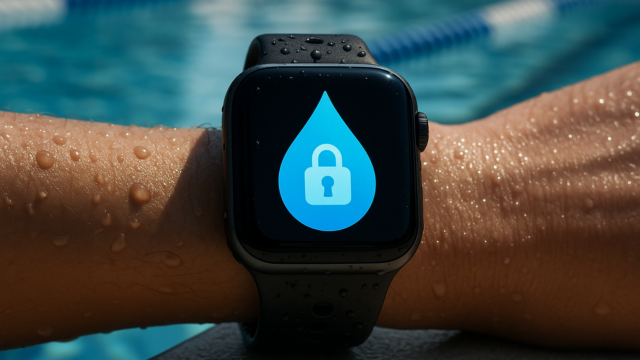
Water droplets love triggering random screen taps on your Apple Watch. They end workouts mid-lap or accidentally call emergency services...
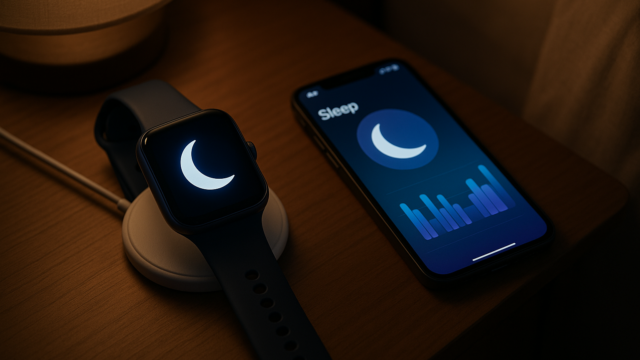
Setting up sleep tracking on your Apple Watch involves more than just wearing it to bed. Apple’s sleep ecosystem connects...
Apple Watch not charging? Seeing a red lightning bolt or noticing it’s charging slower than usual? You’re not the only...
One terrific feature of the Apple Watch is the ability to receive notifications for text messages, emails, reminders, and more....
Did you accidentally log a workout on your Apple Watch? Don’t worry! You can prevent it from messing up your...
Whether you’ve realized that you’re not using your current storage capacity or you’re looking to cut back on subscription costs,...
iCloud Mail is accessible on any device with internet access. This tutorial will show you how to check iCloud emails...
Does your Apple ID appear grayed out within your iPhone, iPad, or iPod touch Settings? When this happens, you can’t...
On the iPhone, iPad, and Mac, you can share photos with Apple and Android users through shared iCloud albums. They...
It’s easy to backup and restore files on Apple devices via iCloud. But what if you need to download or...
iPad updates are a great way to improve your tablet’s performance, fix bugs, and enhance security. But sometimes, updates can...
An iPad that lags, freezes, or stops responding can cause concern, but there’s no need to panic. In this troubleshooting...
Whether you’re a professional artist, a hobbyist, or simply looking to unleash your creativity, the App Store has an array...
It seems that every mobile game these days requires an online connection, but when you’re stuck on a plane or...
Want to perform some device cleanup and remove apps you no longer use? If so, you can save time and...
Learn how to use iPhone Satellite Emergency SOS step by step — even under stress, with no signal. Setup, activation,...
Learn to create advanced iPhone shortcuts with Apple Intelligence in iOS 26, building smart automations and intelligent workflows that adapt...
Your iPhone’s Lock Screen doesn’t need to show the same boring wallpaper for months. iOS 26 lets you build a...
Looking for a way to transfer some large files between your Mac and PC without a USB stick? If you...
When you create an account on a website or app, your iPhone will help you by auto-suggesting a strong password....
Keyboards wear out, and replacing one is expensive for MacBooks—Air or Pro—because the entire top case must be removed. So,...
You’ve settled into your coziest chair, Apple MacBook Pro in your lap, ready to catch up on your latest projects....
Although MacBooks have the best trackpads on the laptop market, they aren’t without issues. If you’ve found yourself with a...
You may have noticed that your MacBook Air or MacBook Pro is gaining a little weight. Just like the pounds...
Apple’s liquid retina displays give us beautiful pictures with vibrant and pleasing colors. Watching movies or viewing family pictures on...
Some games on the Mac are more fun with a controller than with a mouse and keyboard. The good news?...
If you’re using a Mac, you don’t need an Apple TV to share your media content to a bigger screen....
Your Mac can run Linux in two different ways. One method involves installing Linux via virtualization software, while the second...
While Siri suggestions can be handy for adding events, further reading, or upcoming actions, the feature isn’t for everyone. We’ll...
The built-in camera on your Mac isn’t for video calls only; it takes pictures and records videos. If the built-in...
Safari, Apple’s default browser, has several experimental features that let users test new tools before their official release. While these...
Bookmarks are helpful for quickly navigating to your favorite sites on Safari by allowing quick access to the links. This...
If you take advantage of the Frequently Visited Sites section on Safari’s Start page, you may have websites there that...
Bookmarking websites you visit often is handy, but can be inconvenient if you have hundreds of sites saved. On iPhone...
If you enjoy immersing yourself in the websites you visit, you can do this simply by using Safari on iPhone,...
After 14 years of ad-free navigation, Apple is bringing sponsored business listings to Apple Maps in iOS 26.5. The rollout...
Welcome to this week’s edition of the Switching to Mac Digest! This week, we’re looking at some interesting developments and...
Got yourself a pair of Beats Solo3 headphones? Before you can start using them, you need to pair them with...
If your Apple TV is not responding, it’s probably because the remote is out of charge. All Apple TV and...
Did someone just tell you they shared an album with you over iCloud? You won’t be able to open the...
iCloud is Apple’s native cloud storage solution for the Mac. It backs up your documents, photos, and other data, and...
Excel is a powerful tool for analyzing data, but the size of your data set can impact your system performance....
High-resolution images and complex graphics can lead to large PDFs that are difficult to share, especially over email. Fortunately, you...
Your iPhone comes with a native Mail app. Sure—it isn’t as exciting as other third-party email clients. However, it has...
Struggling with your iPhone’s email functionality can be a real headache, especially when you’re trying to send an important message...
Are you looking to create PDFs right from your iPhone? Whether you’re dealing with contracts or receipts or just want...