
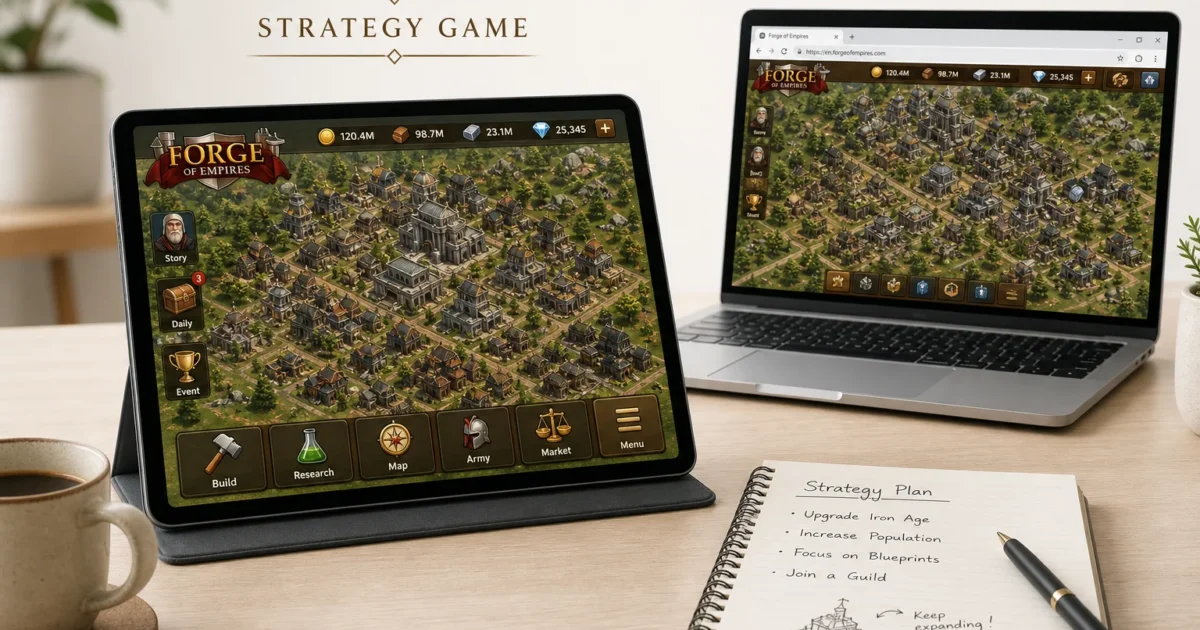
If you’ve been struggling to find an iPad strategy game with real staying power, Forge of Empires remains an easy recommendation. You build a city, research new technologies, manage resources, and expand across a persistent map over months or years.
Forge of Empires is still actively maintained in 2026. It runs on iPadOS 12.0 or later, so you don’t need a recent iPad to play it.
The game can become demanding, though. Timers, seasonal events, competing resources, and optional purchases all pull at your attention. That slow progression is the appeal, but you’ll need some restraint if you don’t want a city-building game setting your daily schedule.
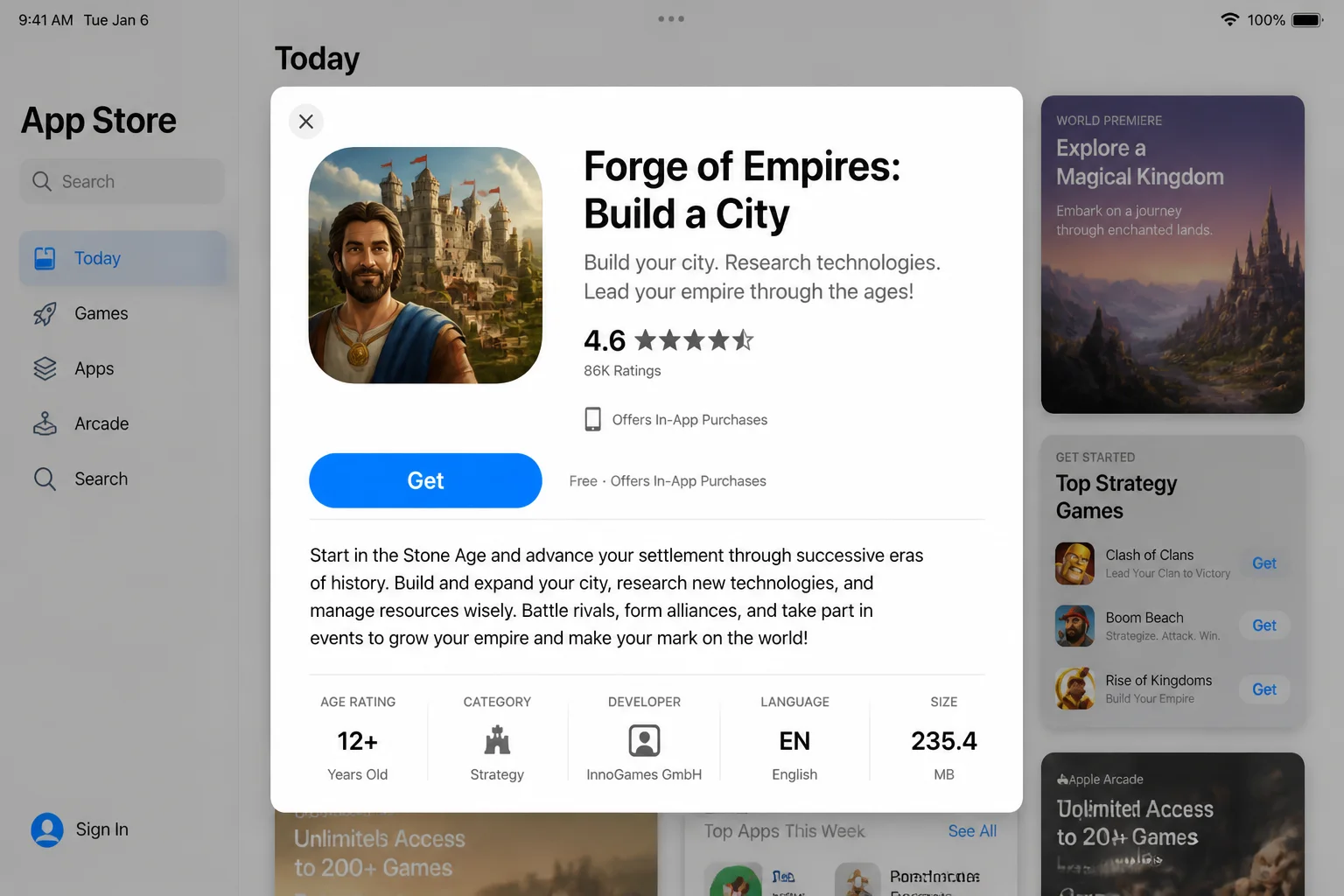
Install Forge of Empires and Set Up Your Account
You can play Forge of Empires in an internet browser, but the iPad app suits frequent check-ins and touch controls. The browser version is useful when you want more screen space or prefer playing with a mouse.
Your account works across the browser and mobile versions. That takes care of a common pain point: you can manage short production tasks on your iPad, then continue the same city from a computer.
- Open the App Store on your iPad.
- Search for Forge of Empires: Build a City.
- Confirm that the publisher is InnoGames before downloading it.
- Open the game and create an account, or sign in with the account you use in the browser version.
- Select the correct game world if your account contains more than one city.
The exact sign-in buttons and their placement can vary by app version. If your existing city doesn’t appear, check the account, game world, and sign-in method before starting another one.
What You Do in Forge of Empires
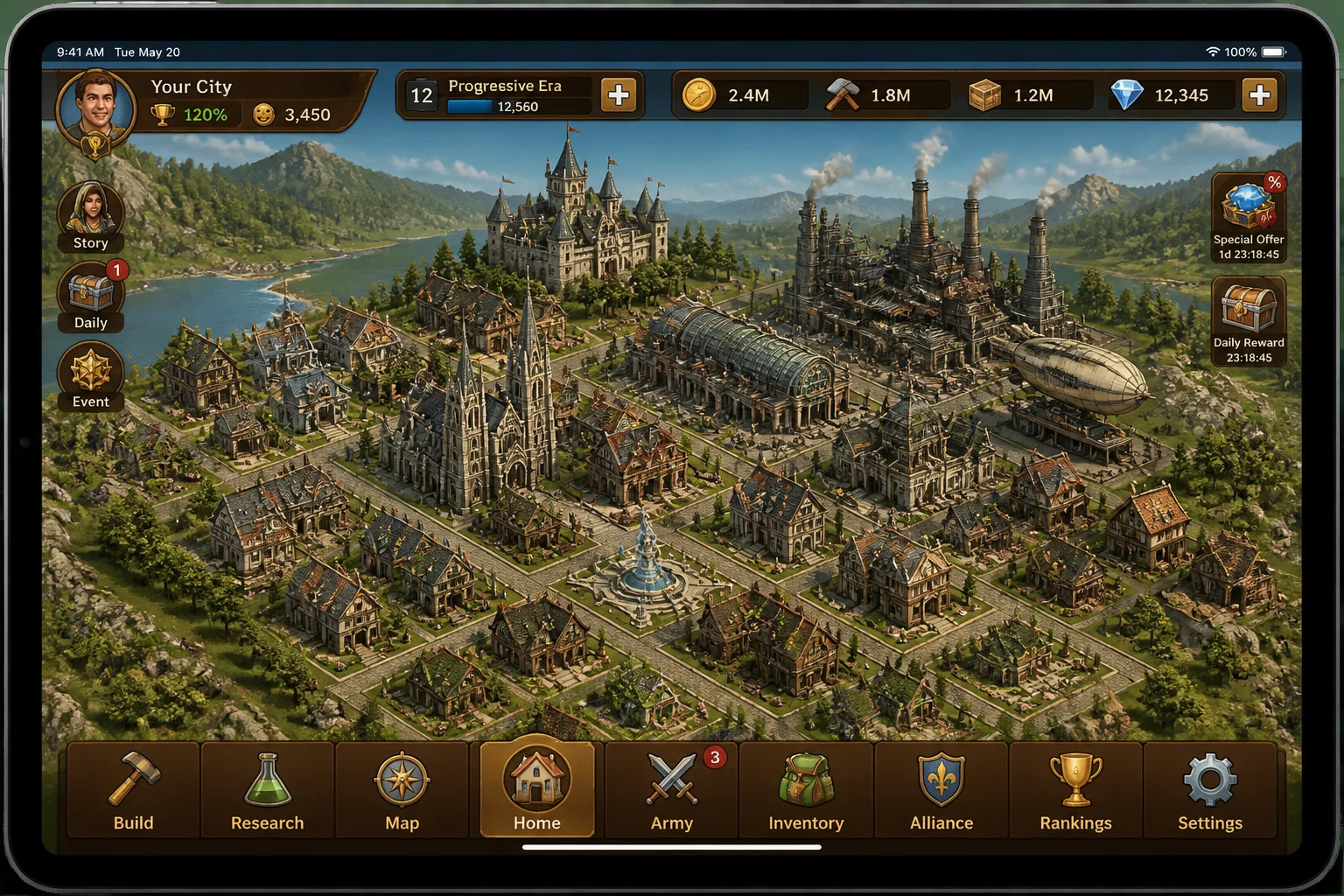
You begin with a small settlement and a limited supply of coins, supplies, land, and premium currency. The opening quests teach you how to place buildings, collect resources, and research technologies.
From there, you move through historical ages by developing your city and completing research. This is long-term progression. Anyone looking for a campaign they can finish over a weekend should pick something else.
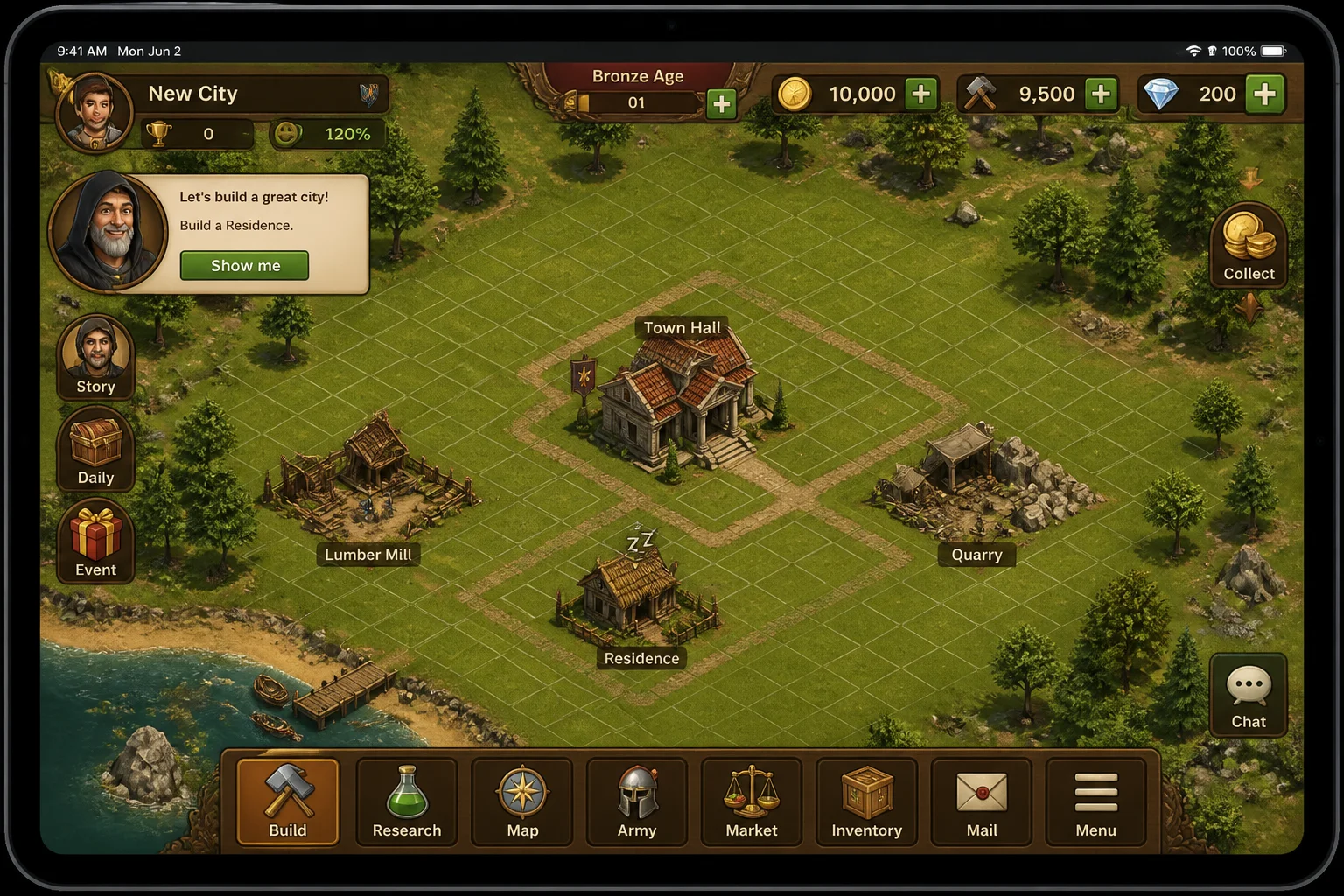
The bottom navigation gives you access to the systems you’ll use throughout the game. The names or positions of individual controls may shift between releases, so follow the current in-game tutorial when it differs from these screenshots.
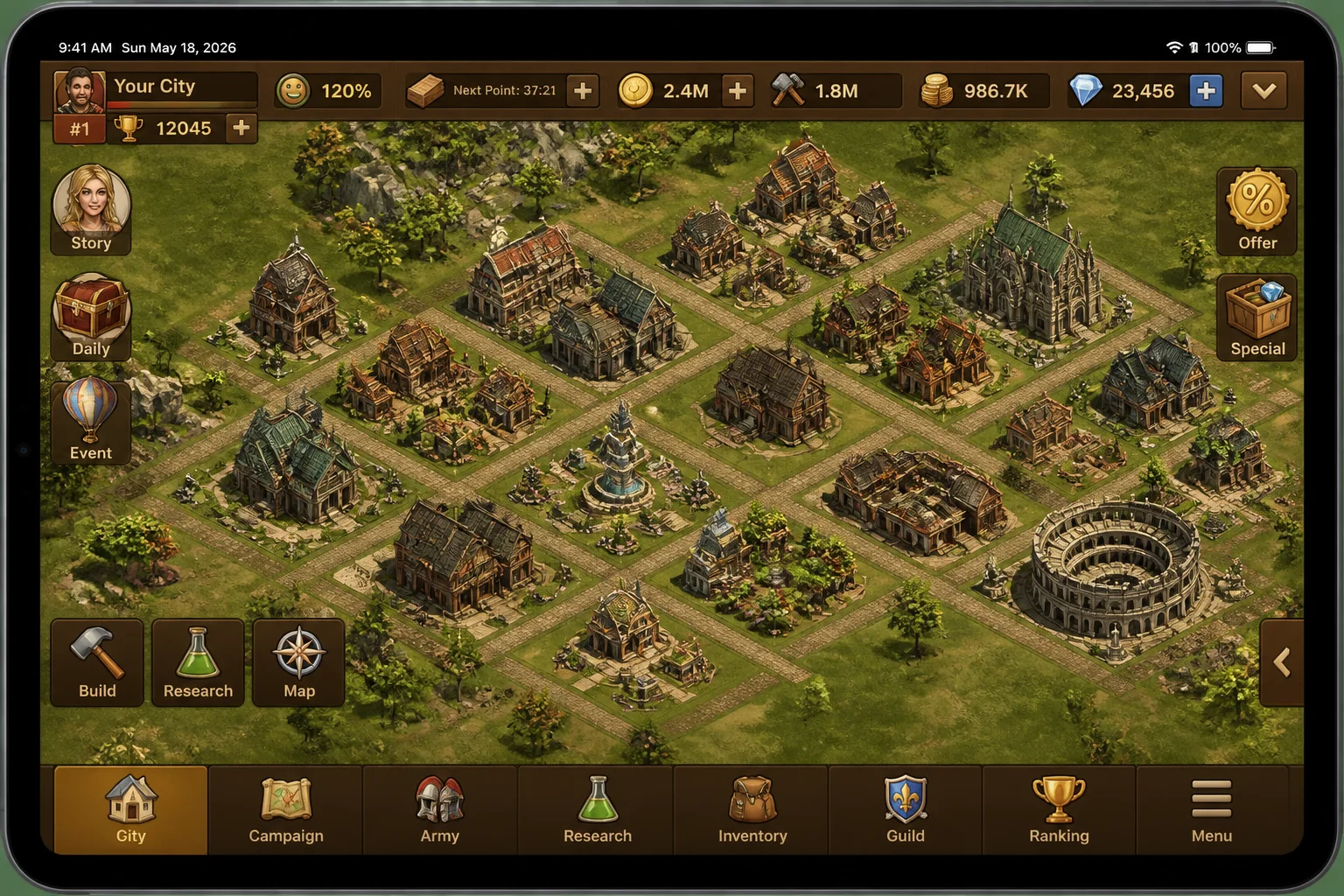
Build a City That Can Support Itself
Buildings generate population, coins, supplies, goods, military units, and happiness. They also consume land, which becomes one of your tightest limits.
Early quests will push you toward rapid construction. Don’t fill every available tile immediately. A cramped layout makes later upgrades awkward, and moving or replacing buildings can consume resources you’d rather spend elsewhere.
- Place the homes and production buildings required by your current quests.
- Connect buildings to roads when the building information says a connection is required.
- Check construction costs and production times before committing resources.
- Leave some space for military, cultural, and goods buildings.
- Collect completed production when the indicator appears above a building.
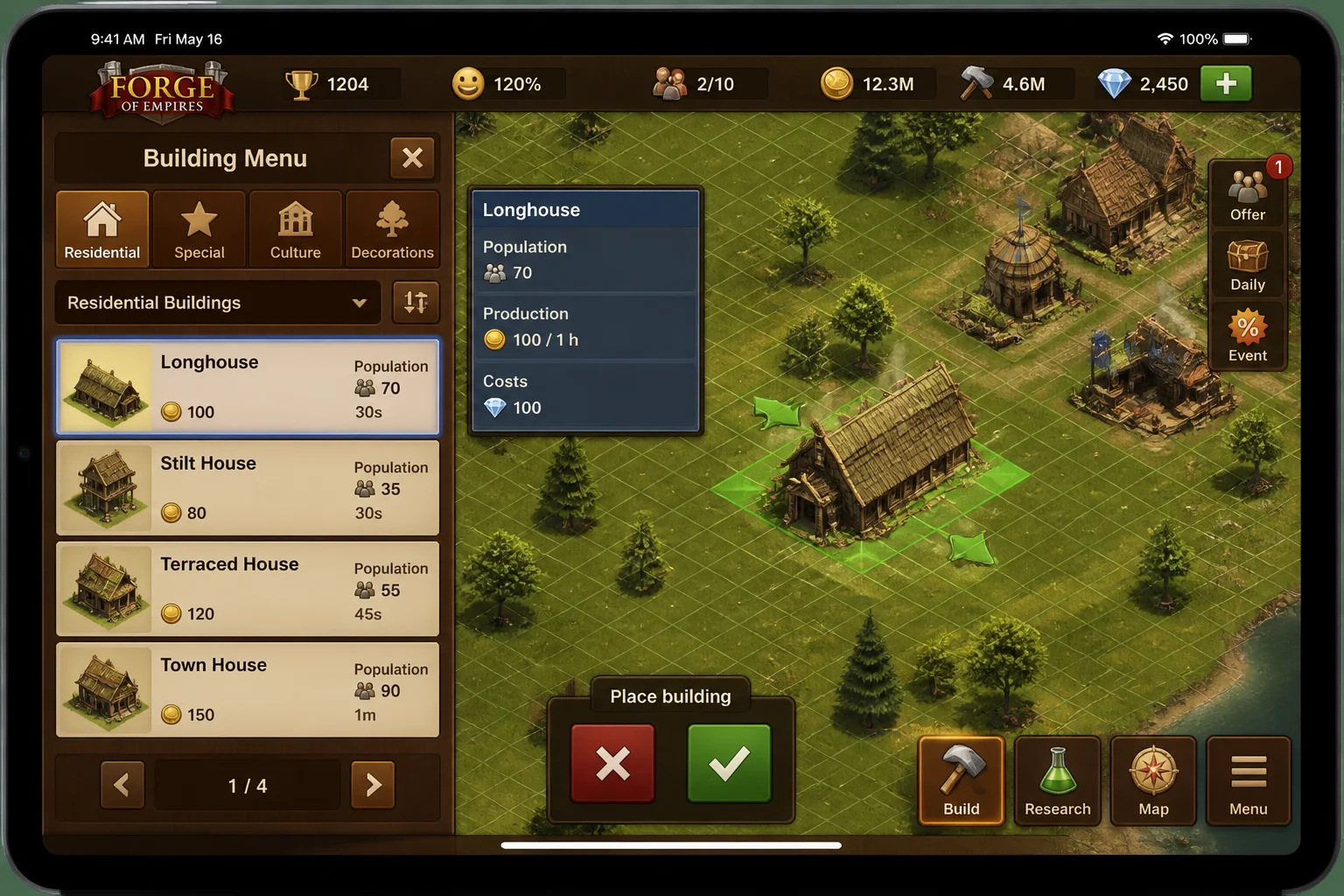
Tap a building’s information control before placing it. This panel shows what the structure costs, what it produces, and what it needs to operate.
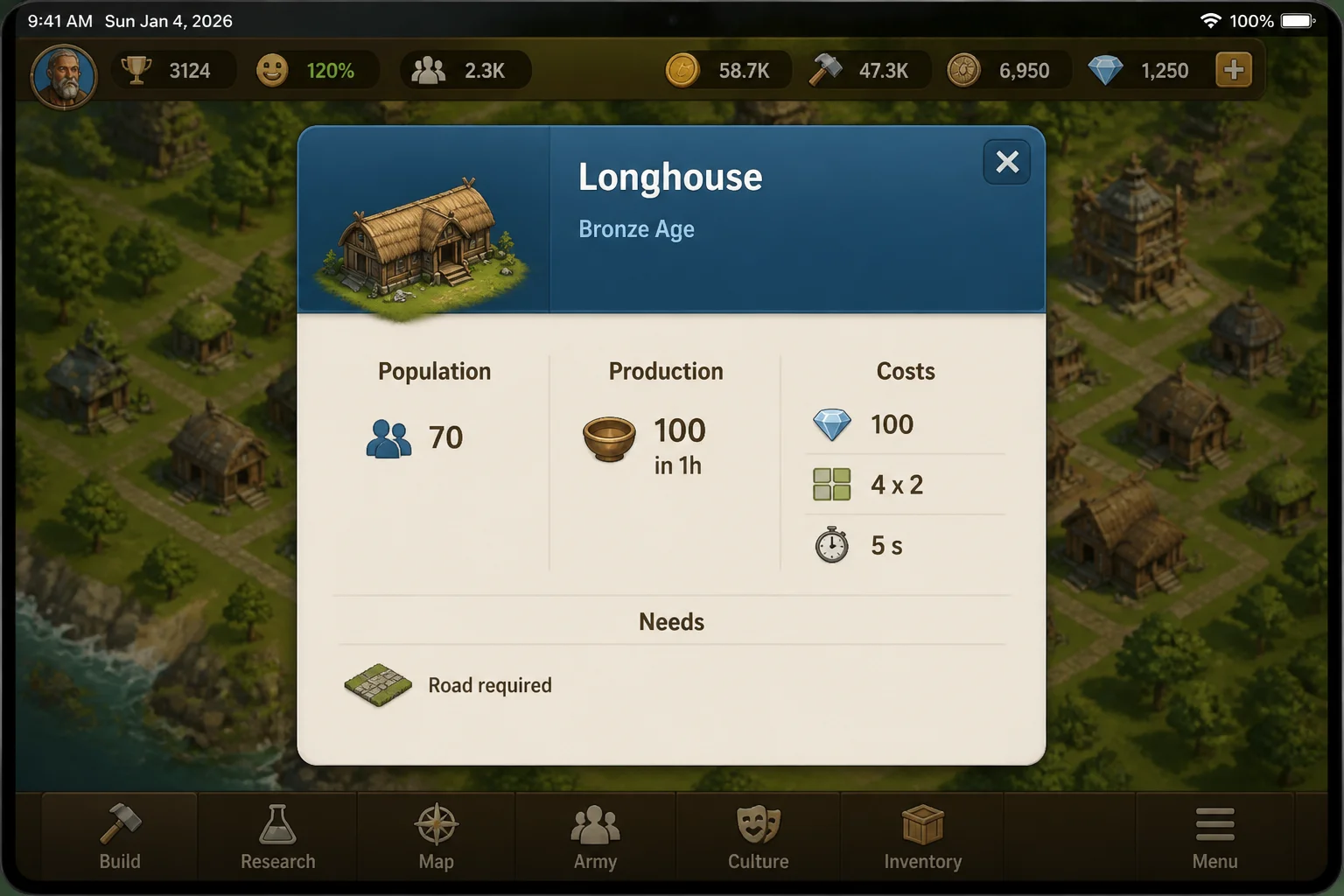
Production buildings convert time and supplies into resources you need for quests and expansion. Longer tasks usually suit overnight production, while shorter ones demand more frequent visits.
I’d skip constant short production cycles unless you’re already using the iPad. The game is good at turning a two-minute collection task into half an hour of tinkering.
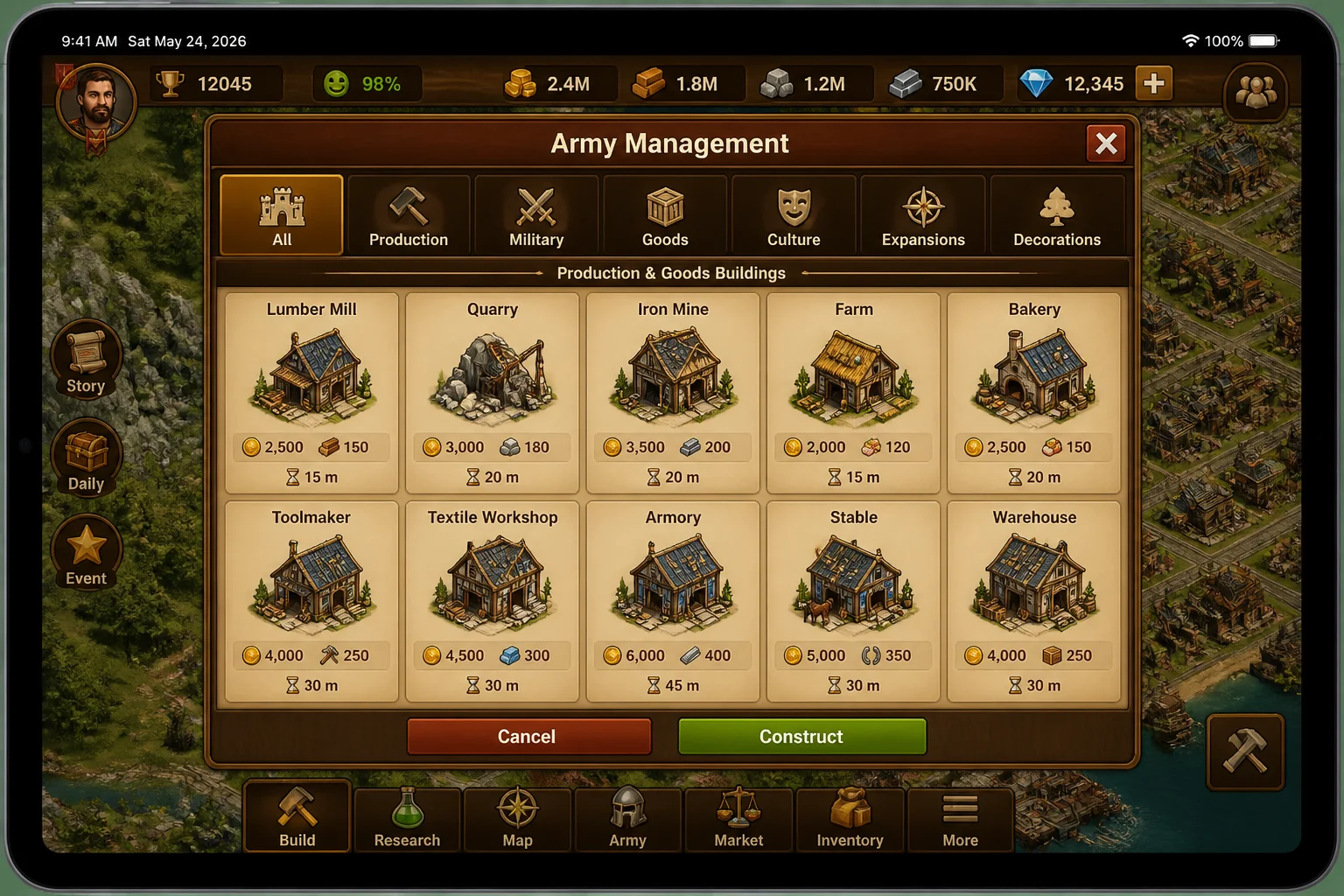
Spend Forge Points on Research
The research tree controls your progress through each age. Technologies can grant access to buildings, military units, expansions, and other systems.
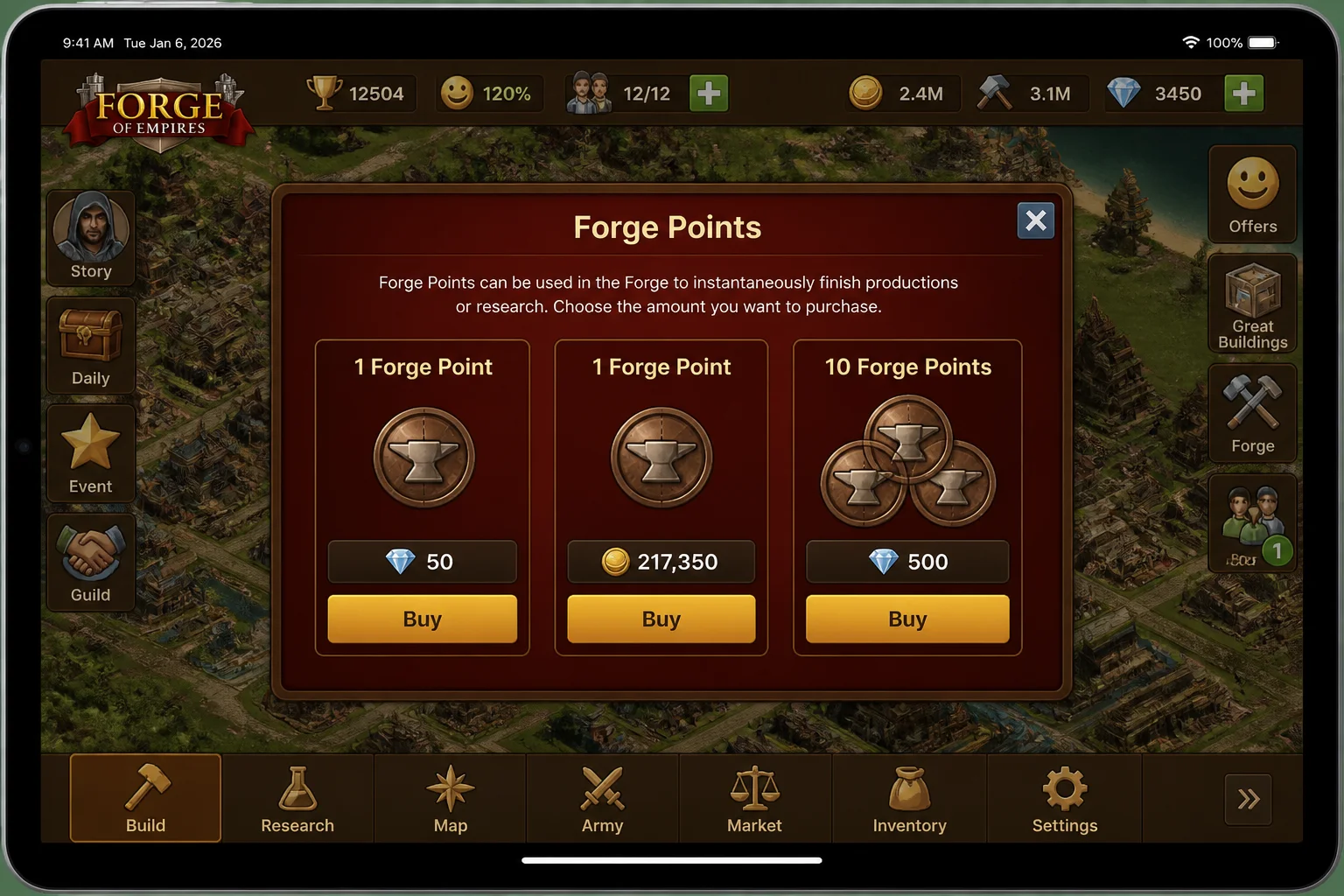
Research uses Forge Points, which replenish over time. You can also obtain more through in-game methods, including purchases involving game resources or premium currency. Check the current purchase screen before confirming anything, especially when diamonds or real money are involved.
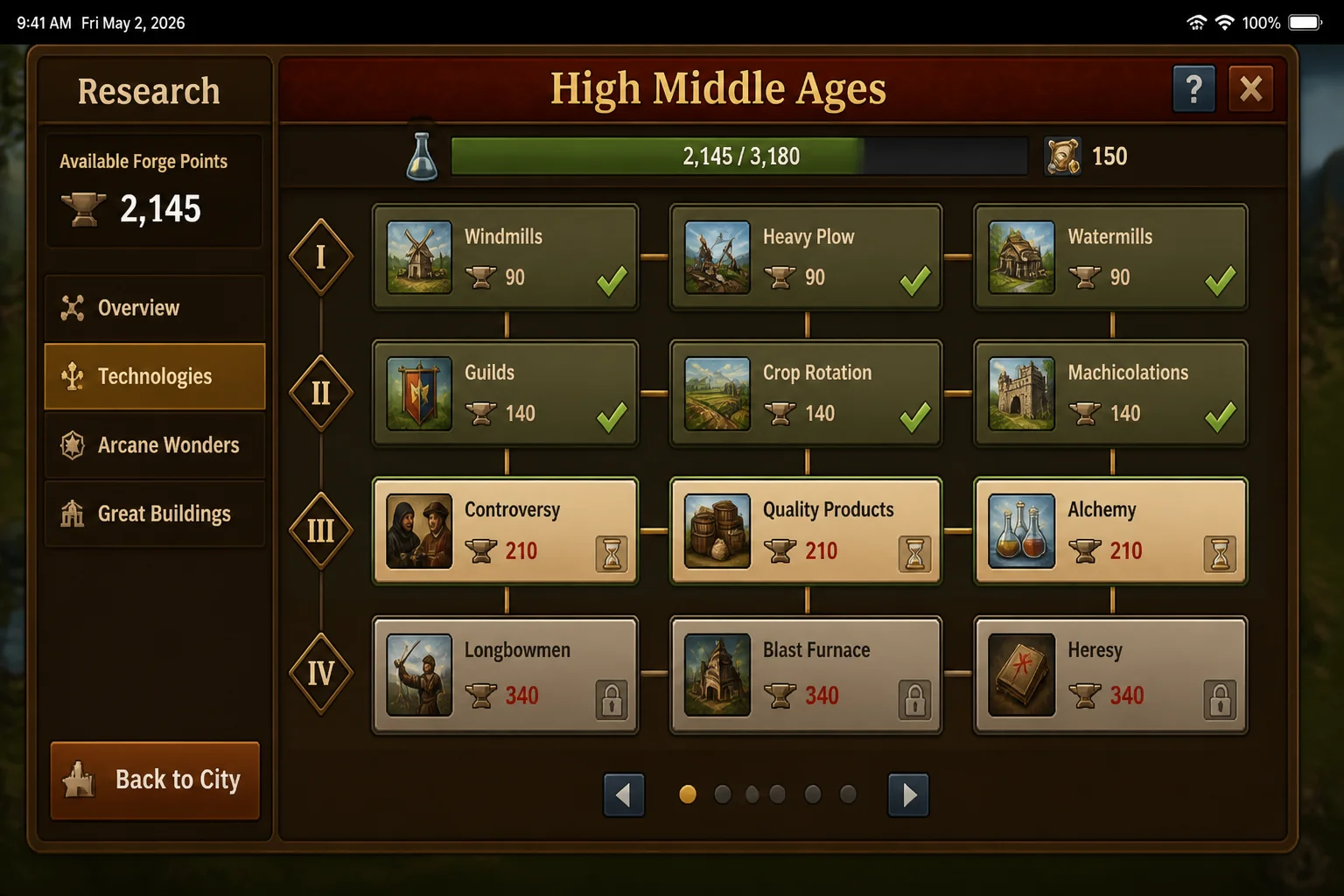
Don’t spread points around without a plan. Read the reward attached to each technology and prioritize whatever addresses your current shortage, such as land, production capacity, or access to a needed building.
Build an Army Before You Need It
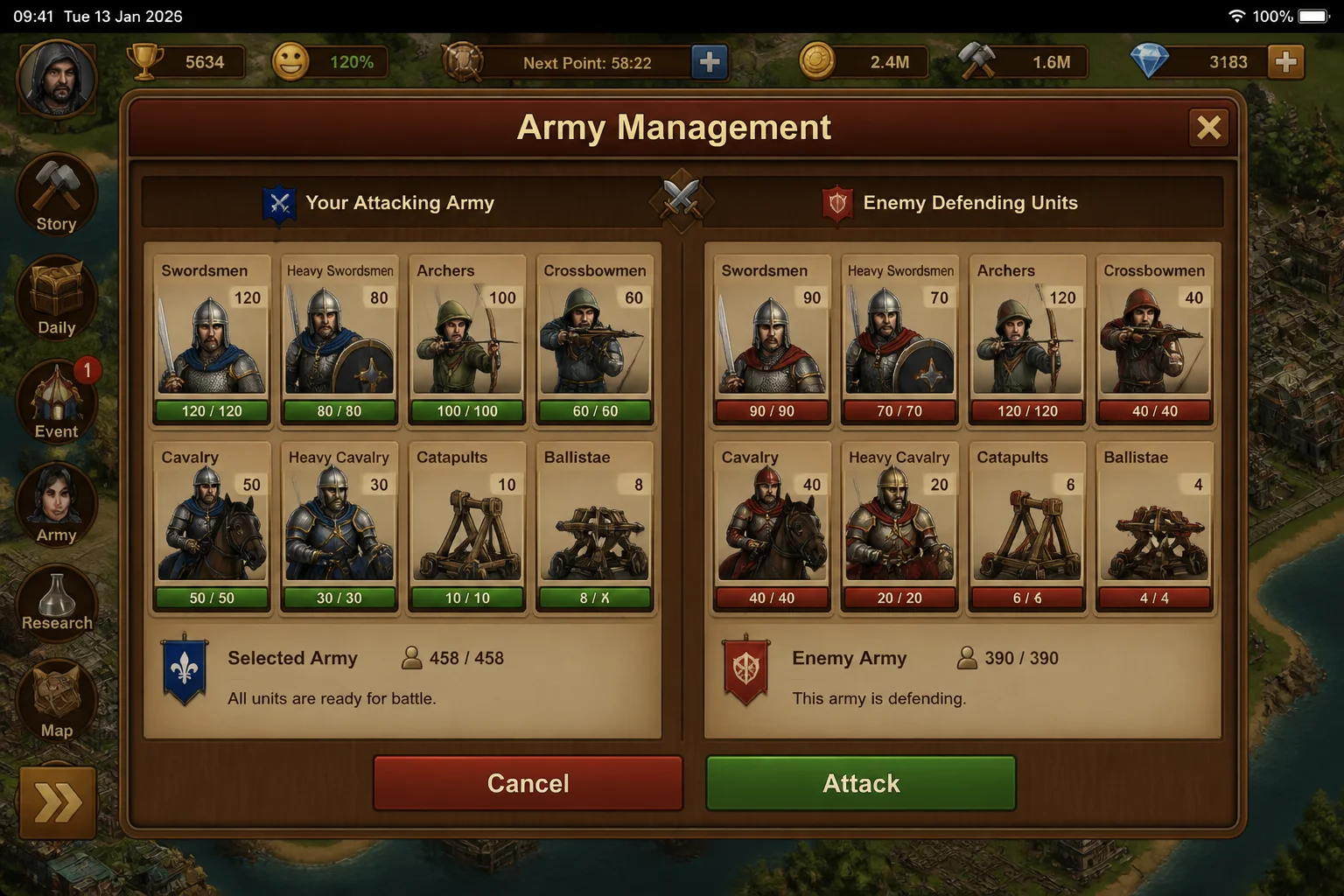
Military buildings let you recruit units for campaign battles and other combat systems. Each unit type has different strengths, so a larger army doesn’t automatically mean an easy win.
Train a small group before pushing far into the campaign map. Check unit health and the defending army before starting a battle. Replacing damaged or defeated troops takes time and resources.
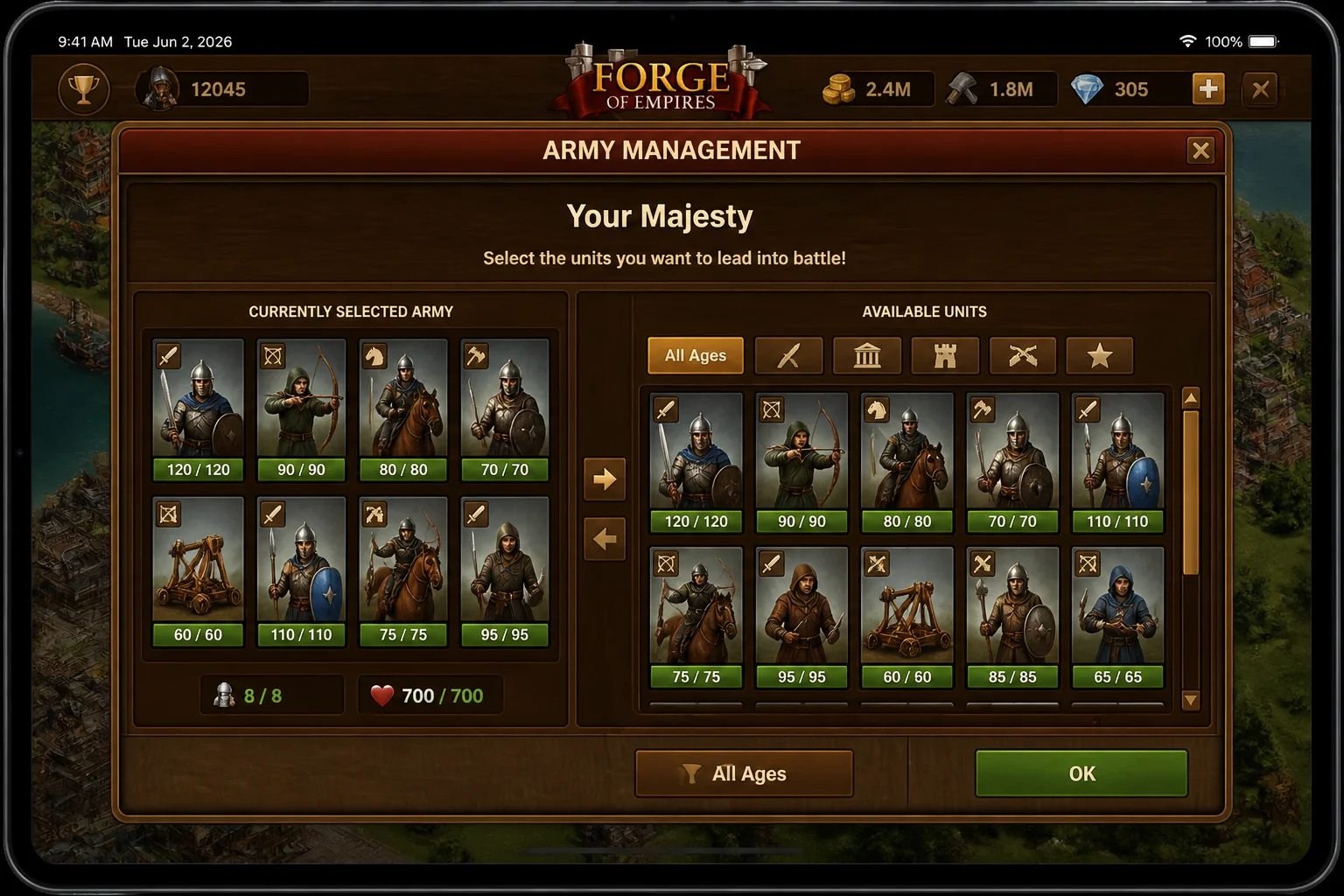
Combat can be handled through the options presented before or during a battle. Their wording and placement may vary by current version, so review the matchup rather than tapping through on habit.
Expand Through the Campaign Map
The campaign map divides surrounding territory into provinces and sectors. Scouting reveals new areas, after which you can work toward controlling them.
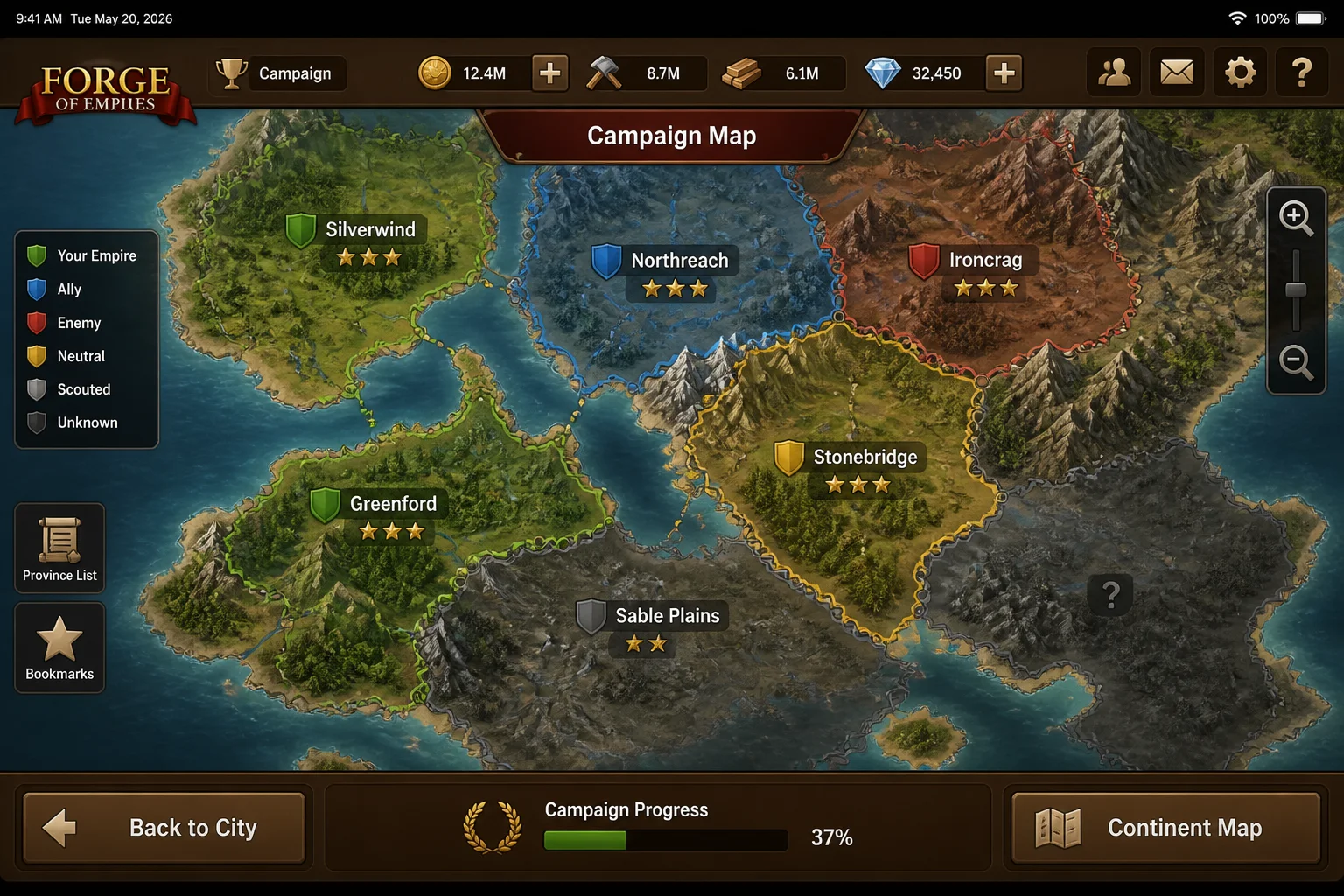
When you select a sector, the game presents the available route to acquiring it. Depending on the encounter, that can involve negotiation or combat.
Negotiation consumes requested goods, while battle risks your units. Check both costs first. Paying for missing resources with diamonds can solve an immediate shortage, but premium currency disappears quickly when used as a shortcut.
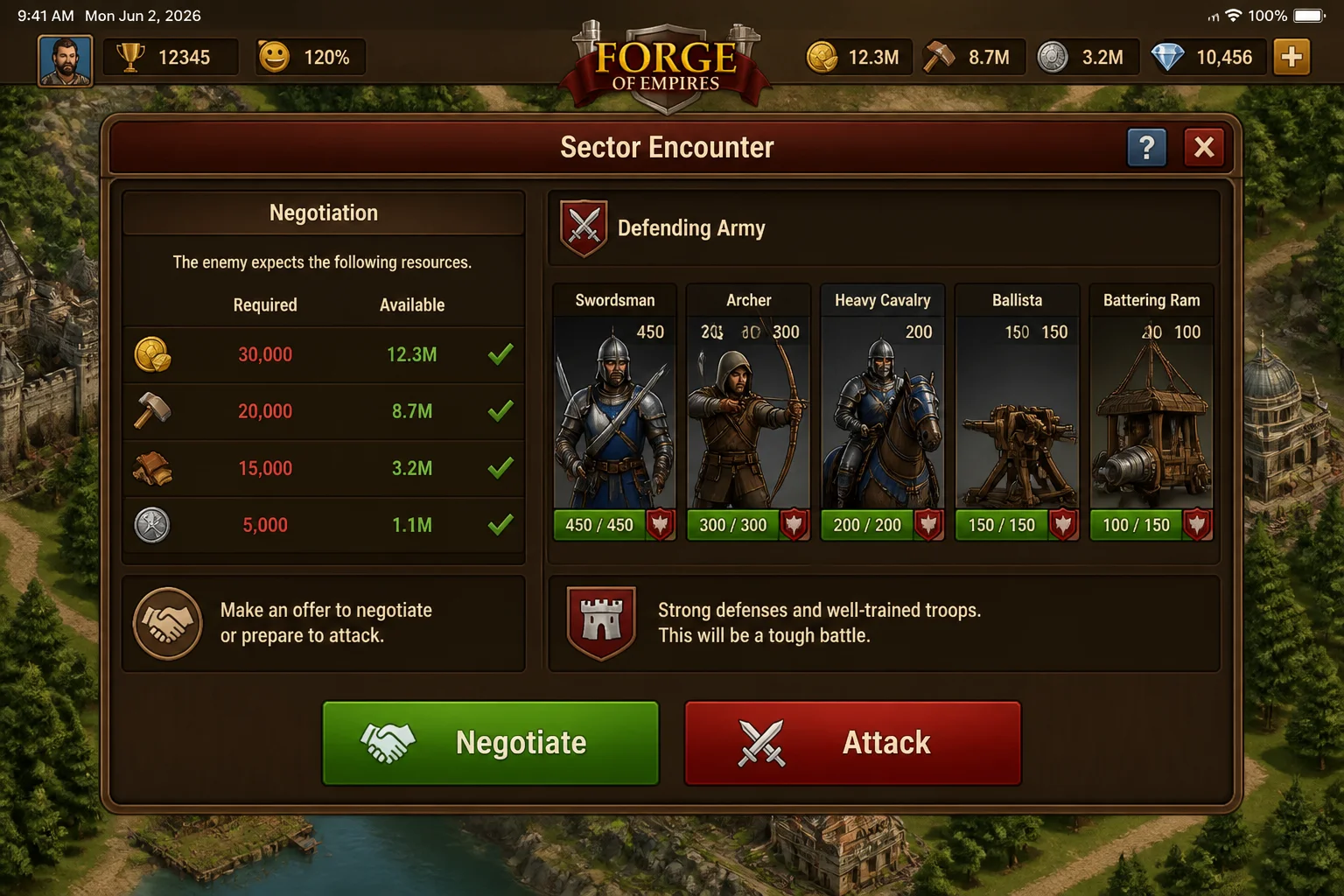
Inspect the enemy lineup before fighting. If the defenders have a clear advantage, return after improving your army or use negotiation when the requested goods are affordable.
Add Friends and Work With Other Players
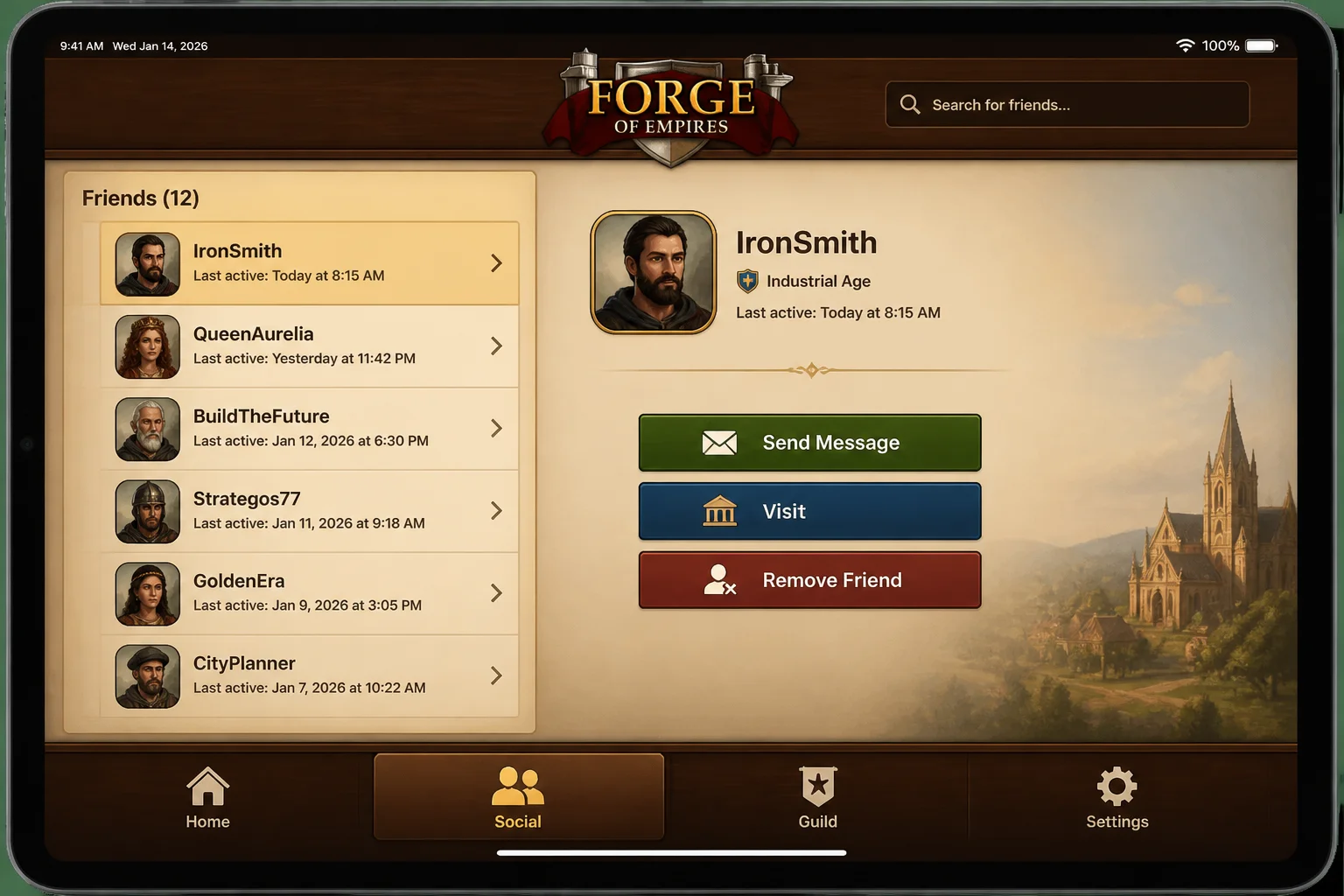
Forge of Empires includes social systems built around friends, neighbors, guilds, and visits to other cities. These relationships provide more than a list of names. Players can interact with buildings and support each other’s progress through the options available in the current interface.
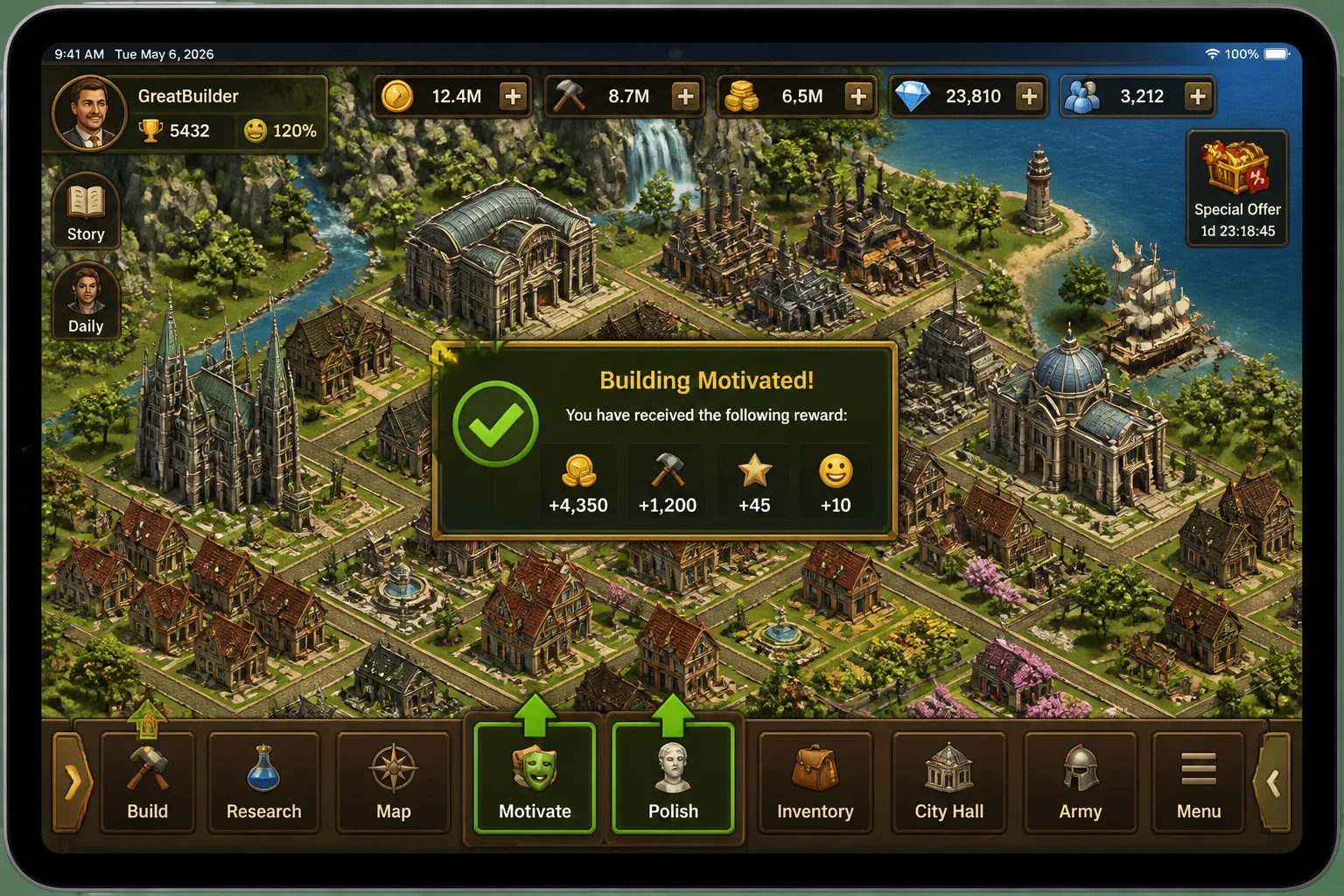
A visit may let you motivate or polish a building. The resulting bonus depends on the selected structure and the game’s current rules.
Don’t add every suggested player without checking whether they’re active. A smaller list of people who regularly interact with your city is more useful than a crowded roster of abandoned accounts.
Collect Coins and Supplies Regularly
Buildings display an indicator when their output is ready. Tap it to move the completed coins, supplies, goods, or other rewards into your totals.
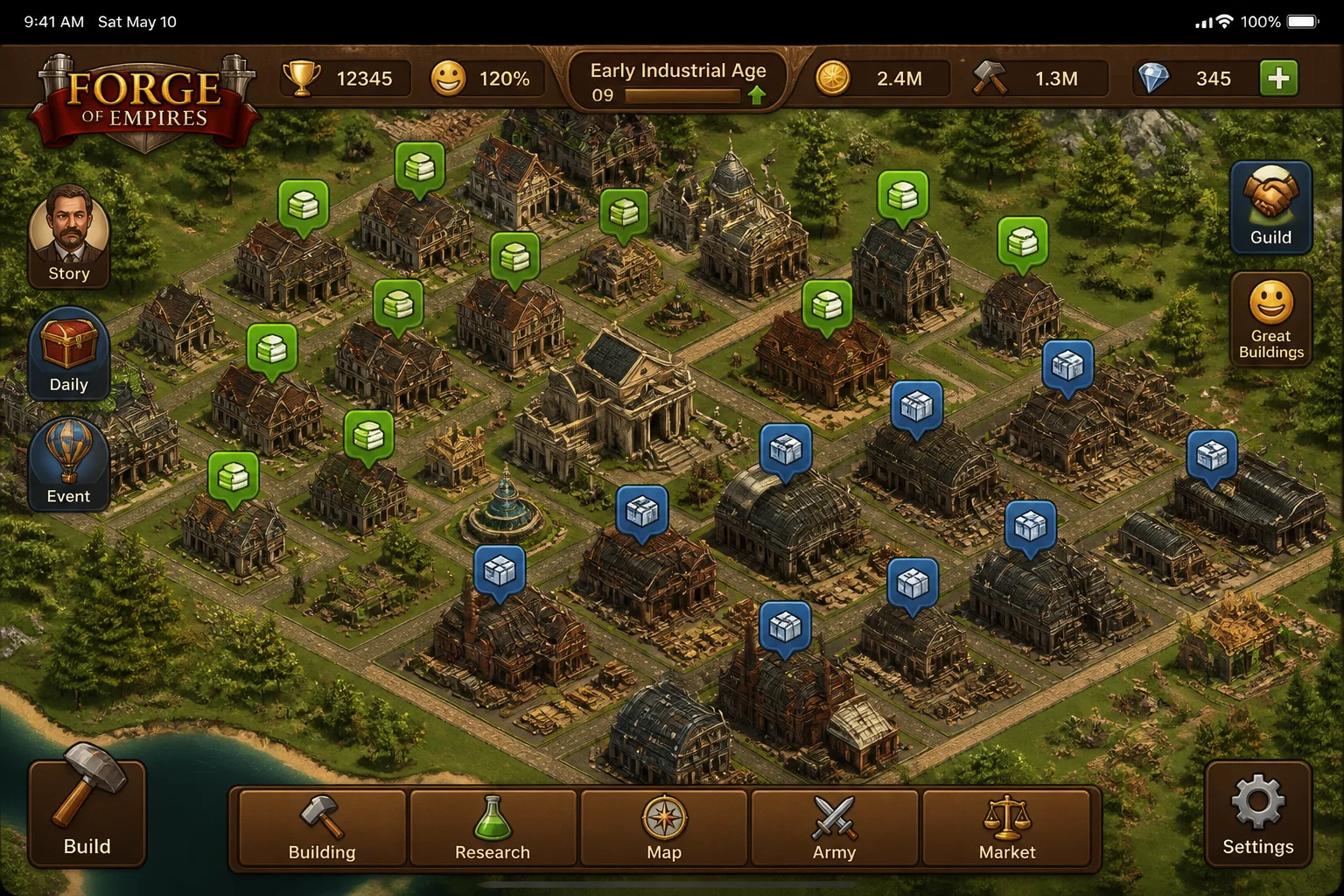
Production schedules solve the waiting problem by letting you match tasks to your routine. Choose shorter jobs while actively playing and longer jobs before work or sleep.
You don’t need to collect everything the moment it finishes. The city will survive while your iPad sits untouched, which is useful to remember when event timers start feeling like obligations.
Follow Quests Without Letting Them Run Your City
Advisors introduce systems, assign quests, and point you toward the next objective. Their tasks are useful during the opening hours because they reward actions you need to learn anyway.
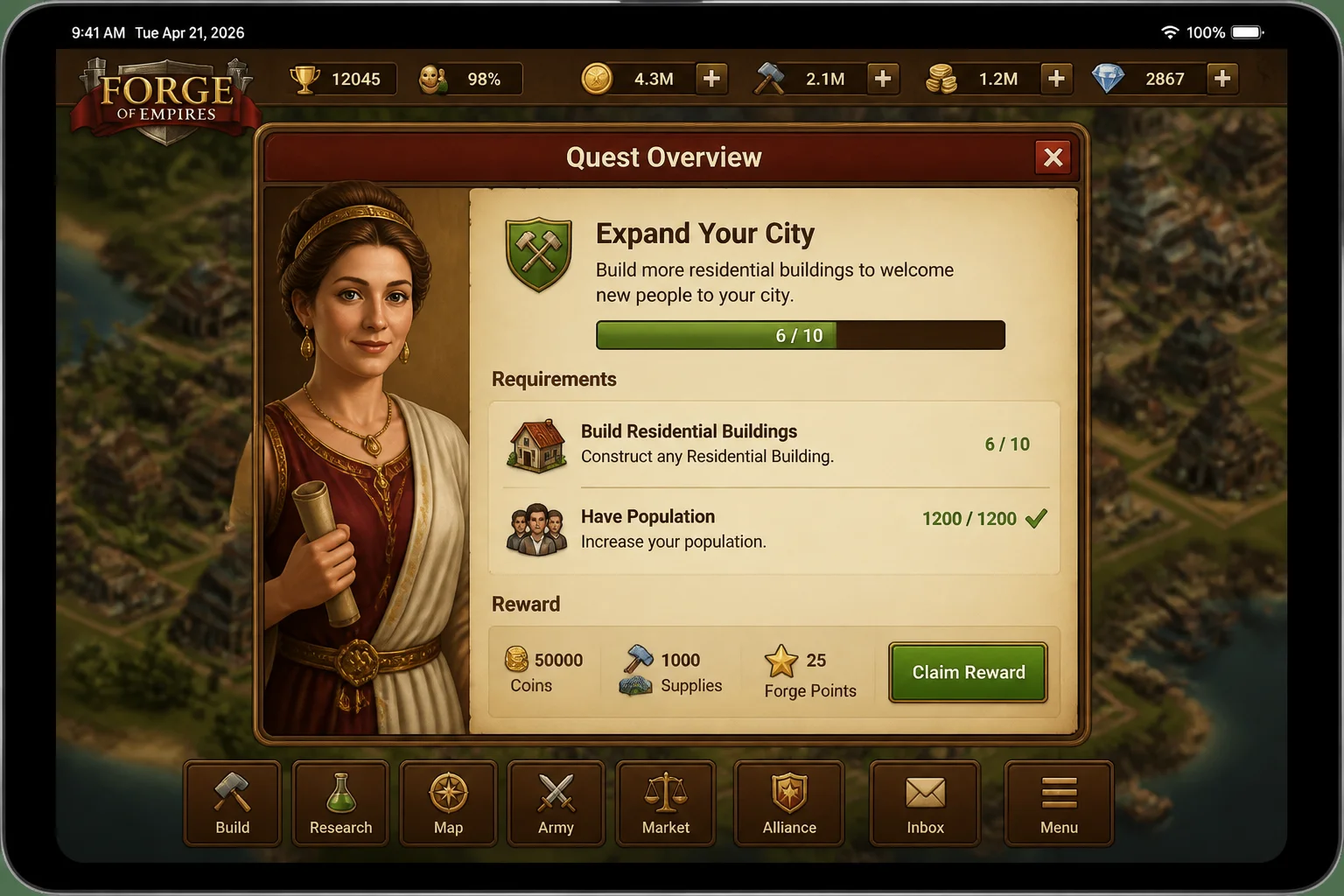
Read the full requirement before spending resources. A quest may ask for production, construction, research, or combat, and rushing the wrong task can leave you waiting for another timer.
Quests provide direction, but your city’s shortages should guide your larger decisions. If supplies are running low, another expensive building won’t fix the problem.
Keep Your Population Productive
Your population’s happiness affects city performance. Cultural buildings and decorations can improve it, but they also occupy land that could support production or housing.
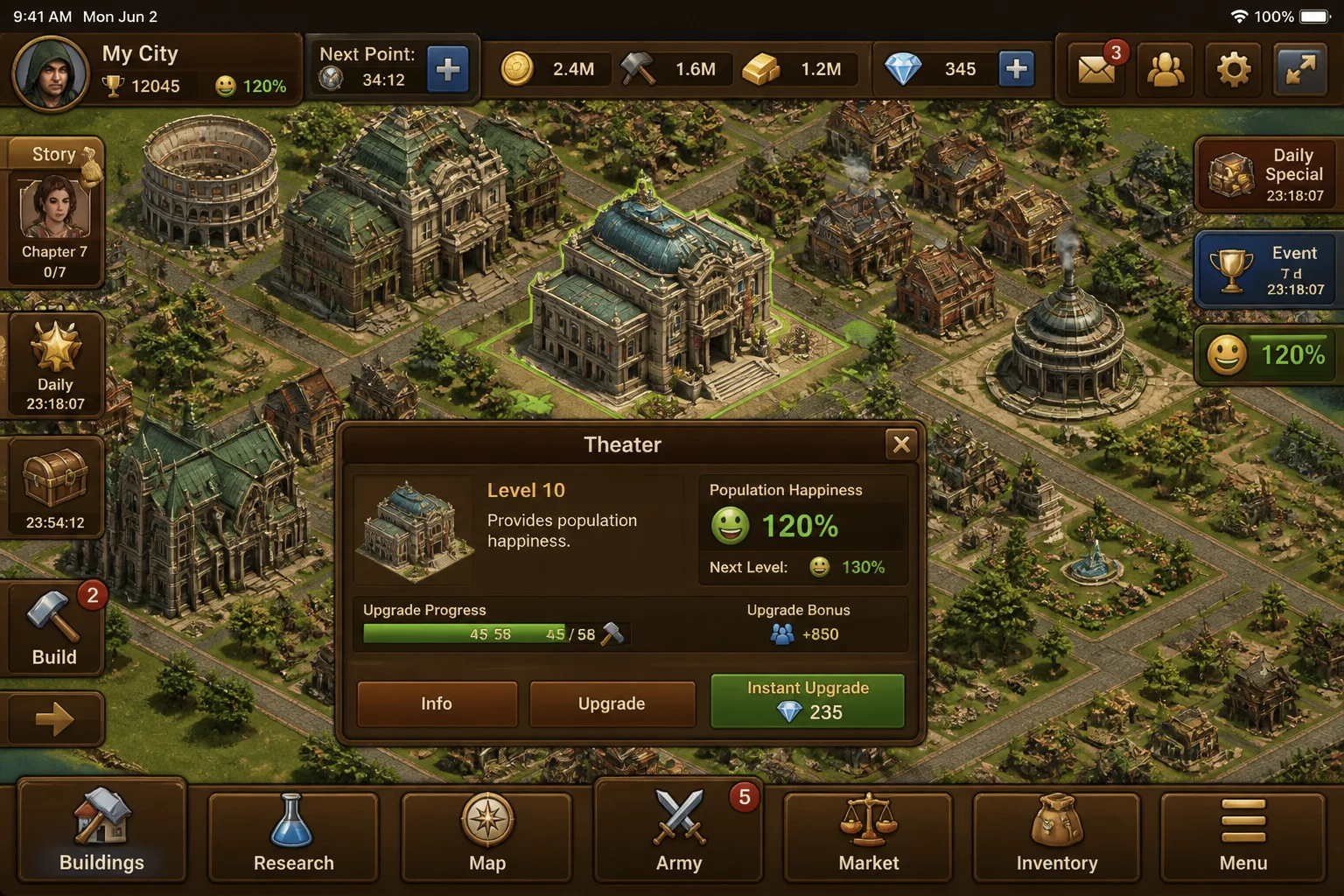
Check the happiness benefit before placing a building. Choose options that provide enough value for the space they consume, and avoid scattering decorations wherever an empty tile appears.
This balancing act is where Forge of Empires works best. Every useful building competes for land, and every expansion creates another resource problem to solve.
Make Time for Current Events
Recurring events are a major part of Forge of Empires in 2026. They add temporary activities and rewards, with mechanics that can differ from one event to the next.
Open the event interface and read its current rules before spending event currency. Old event advice can become useless when InnoGames changes the tasks, reward structure, or progression system.
Events can accelerate your city, but they also add more timers. Focus on rewards that fit your city instead of chasing every milestone.
Avoid These Early Mistakes
A few habits can stall your progress or make the game feel like work:
- Spending diamonds to bypass routine timers.
- Filling every tile before planning for later buildings.
- Starting battles without checking enemy units.
- Choosing production times that finish when you can’t collect them.
- Advancing research while ignoring shortages in supplies, goods, or happiness.
- Treating every seasonal event as mandatory.
- Starting another city because you signed in with the wrong account or selected the wrong game world.
Forge of Empires addresses the need for a deep iPad strategy game with persistent progress and frequent new activities. Cross-device access also fixes my workflow: quick collections work well on iPad, while longer planning sessions can happen in a browser.
The original problem is solved once your city generates dependable resources without constant attention. You’ll still have plenty to manage, but you’ll no longer be dealing with every shortage at once. That’s when the long-term strategy becomes much more satisfying.