How-To
How to Remove Quick Search From Chrome on Mac
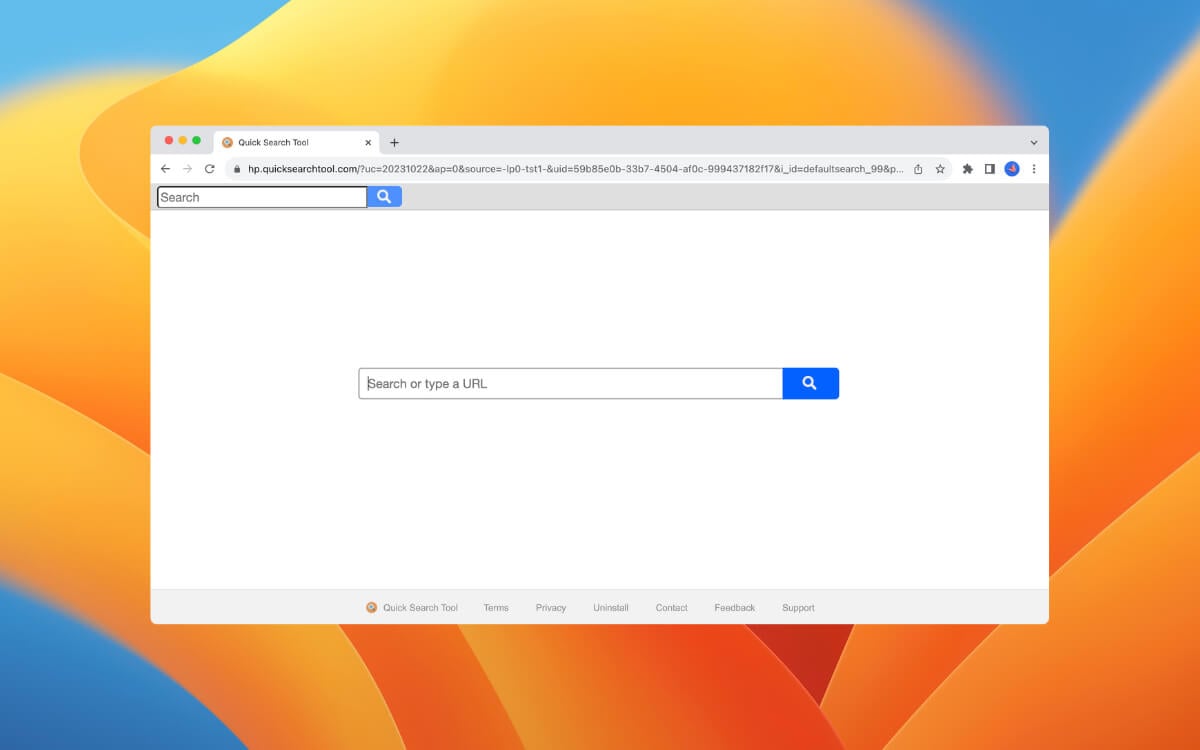
Quick Search is a privacy-invasive Google Chrome extension that hijacks the browser’s search engine and startup page settings. Despite attempting...
Quick Search is a privacy-invasive Google Chrome extension that hijacks the browser’s search engine and startup page settings. Despite attempting...
There are three easy ways to insert the Pi sy that popular math symbol on macOS. You can use a...
A Microsoft Teams meeting doesn’t always require you to activate your camera. However, if you want to switch it on...
You’ll encounter a “The installation failed” error when installing Zoom from a user account without administrative privileges. Your Mac might...
When an app is updated, it usually brings important bug fixes or new features to improve the overall experience. But...
Most people haven’t considered changing the name assigned to their MacBook by macOS. Many people use the original name chosen...
Do you leave your keyboard unattended? Then you need to know how to lock and unlock your Mac keyboard. Imagine...
Outlook profiles let you read work, school, or personal emails with a custom theme for easy viewing. When you couple...
Does the bird process hog your Mac’s CPU? Is the process slowing down or freezing your Mac? This tutorial explains...
Running Microsoft Windows alongside macOS on a Mac is ridiculously easy, thanks to tools like Boot Camp, VirtualBox, and Parallels....
Do you keep noticing a process called “nsurlsessiond” using lots of CPU on your Mac? What is it, and why...
It might not seem like it, but the trackpad is one of the most essential parts of your MacBook. It...
While there’s nothing wrong with Apple’s Mail app on macOS, you may want something different. Maybe you want to use...
Maybe your pointer zips across the screen too fast, the cursor color makes it hard to find, or you accidentally...
A “Background Items Added” notification pops up on your Mac’s display when an application installs a Login Item. Ideally, this...