How-To
Using Disk Utility to Backup Your Mac
When you decide to back up your Mac, it’s important to choose the right way to do it. While using...
When you decide to back up your Mac, it’s important to choose the right way to do it. While using...
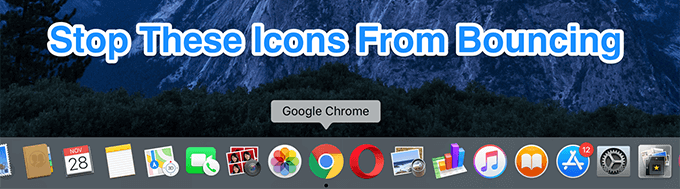
Every Mac user knows the Dock—it sits at the bottom of the screen, giving you quick access to your favorite...
Apple is the go-to choice for users who want to be more productive and more efficient, and for good reason....
If you’re worried about losing your Mac to theft or loss, there are some steps you can take to protect...
A Smart Mailbox on your Mac lets you view your received and sent emails in a more customizable way. This...
In case you’ve recently switched from Windows to macOS, you might find taking screenshots on a Mac confusing. Sure, there’s...
If your Mac is your primary computer, you’ll like to have the ability to connect to it remotely from another...
If you have to use Mac and Windows PCs regularly, you don’t need to physically switch computers to be able...
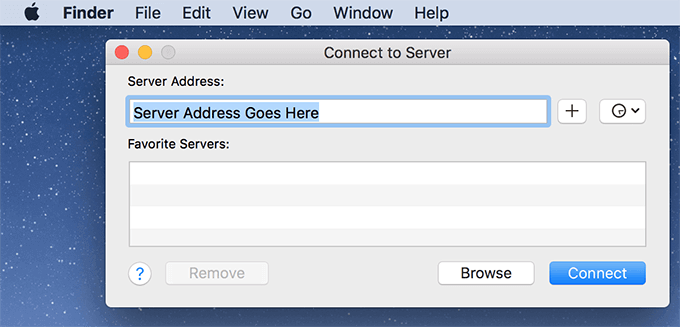
Connecting your Mac to a local or remote server allows you to access all the files available on that particular...
Buying a new Mac laptop for yourself or someone else? Why spend thousands when you can get equally great quality...
The Dock is an easy way to get access to the apps and utilities available on your Mac. It’s dynamic...
Alarms and timers are great productivity tools that are with us every step of the way. You wake up with...
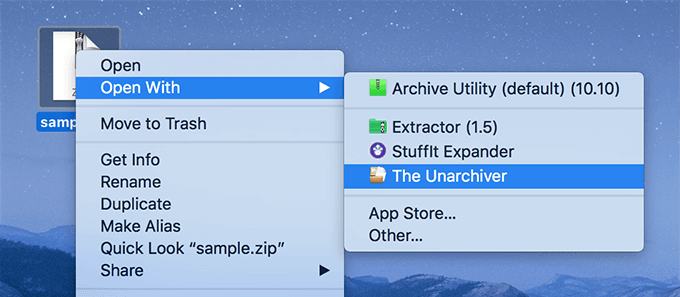
Most files that you download from the Internet usually come in an archived format and have one of the formats...
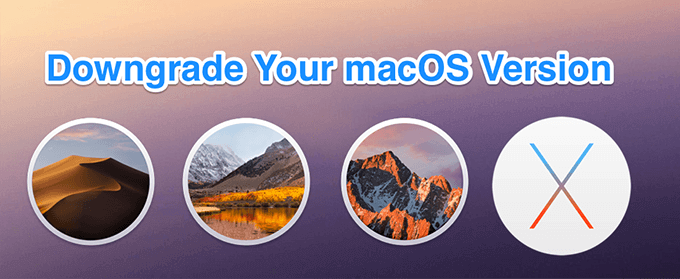
Normally, most macOS updates do not cause any issues on your Mac. However, there are times when certain updates break...
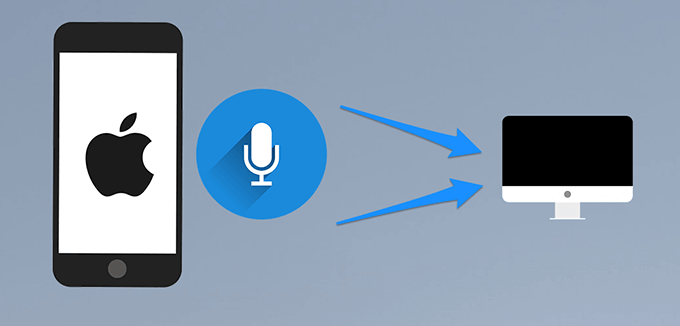
Your Mac comes equipped with a microphone to let you record audio and talk to people over FaceTime. It’s good...