How-To
How to Set, Change, or Turn Off Passcode on Your iPhone
A passcode protects your iPhone and data from unauthorized access. You can also use your iPhone’s passcode to recover or...
A passcode protects your iPhone and data from unauthorized access. You can also use your iPhone’s passcode to recover or...
If you want the websites you visit to be kept private, you can go incognito, which is called Private Browsing...
Resetting your iPhone’s network settings is an effective way to fix various connectivity issues, such as slow internet speeds, Bluetooth...
Do you keep running into an “Account Not in This Store” pop-up error while interacting with the App Store on...
It’s not unusual to accumulate lots of apps, folders, and widgets if you’ve been using your iPhone or iPad for...
It’s always a good idea to keep your iPhone up to date with the latest iOS version for security reasons...
Are you having trouble connecting a Bluetooth device to your iPhone? Or has a paired device stopped working with your...
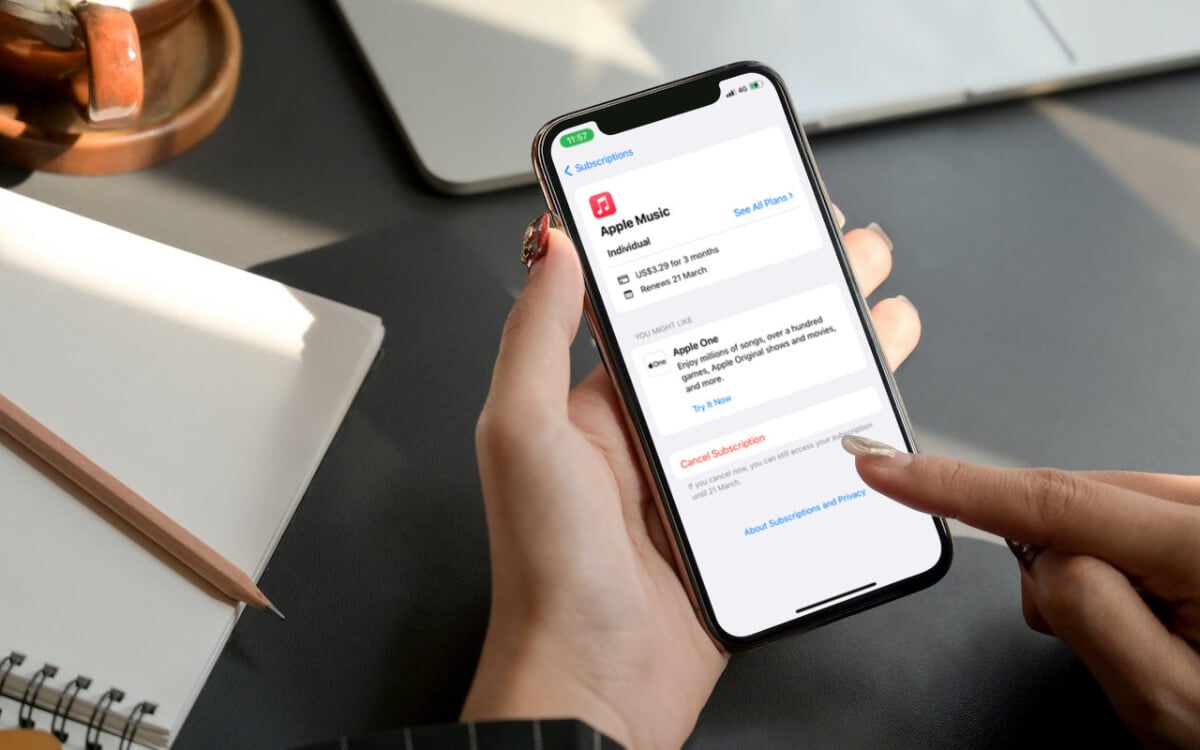
Do you have a subscription to an app or service you no longer use on your iPhone, iPod touch, or...
You’re just minding your own business, connecting to a Wi-Fi network at a friend’s house or at a coffee shop,...
Spam emails are frustrating. They take up space in your inbox and take a lot of time to clear out....
Face ID is a convenient and fast way to unlock your phone, authorize transactions, or log into various services. So...
With iOS 14 and iOS 15 (and the corresponding iPadOS versions), Apple introduced the ability to customize your Home Screen...
Locking and unlocking your Apple iPhone’s screen is a basic but essential skill that can help you protect your privacy,...
Whether you’re traveling, your iPhone battery is low, or you’re on a call and can’t take another one, call forwarding...
The shorter screen lock time-out on the iPhone, iPad, and iPod touch protects the device’s data from unauthorized access, preserves...