How-To
How to Turn On, Wake, and Turn Off Your Apple Watch
Restarting can often fix an Apple Watch that isn’t working correctly. While watchOS doesn’t have that many bugs, you may...
Restarting can often fix an Apple Watch that isn’t working correctly. While watchOS doesn’t have that many bugs, you may...
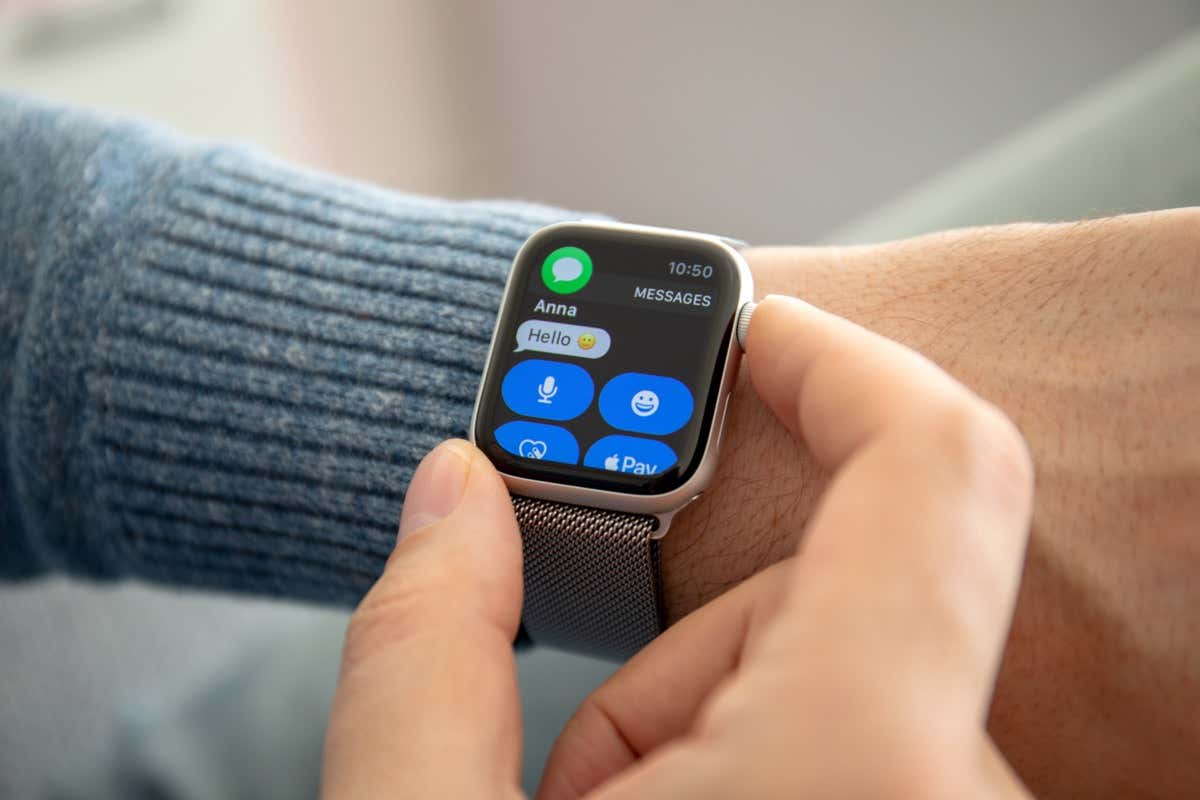
The Apple Watch lets you reply to iMessage chats and text messages. Since it’s harder to type on a watch,...
You can use your Apple Watch to stream music if you don’t want to carry your iPhone with you everywhere....
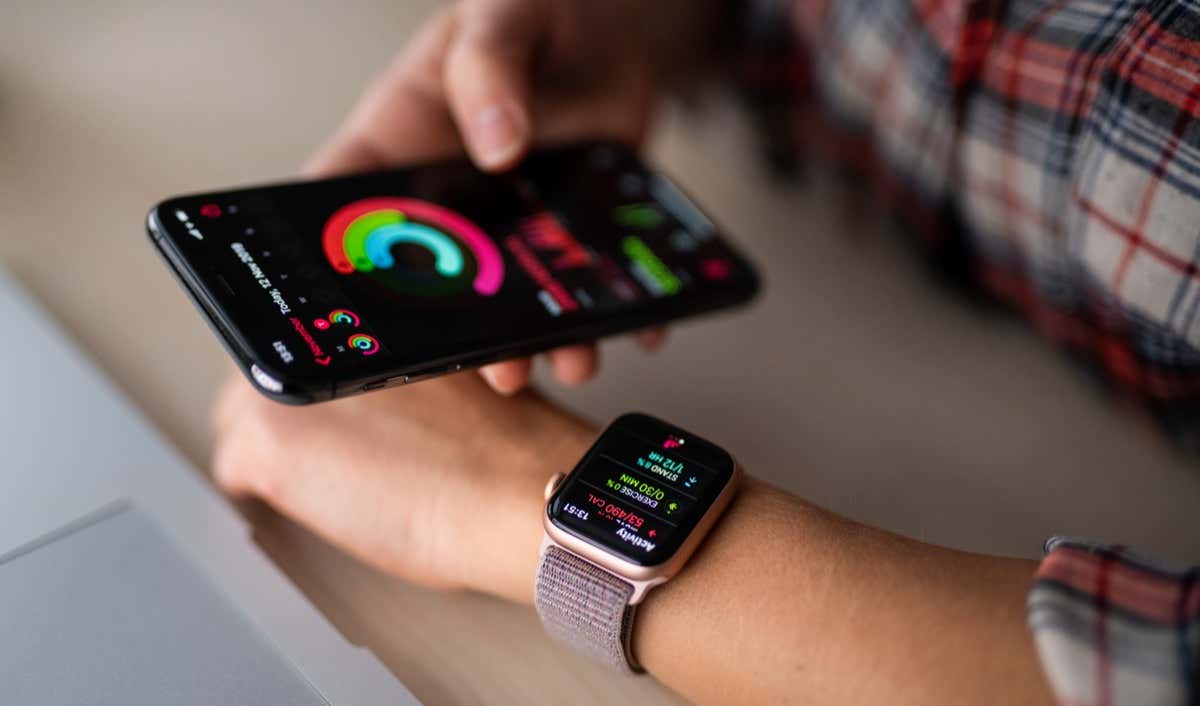
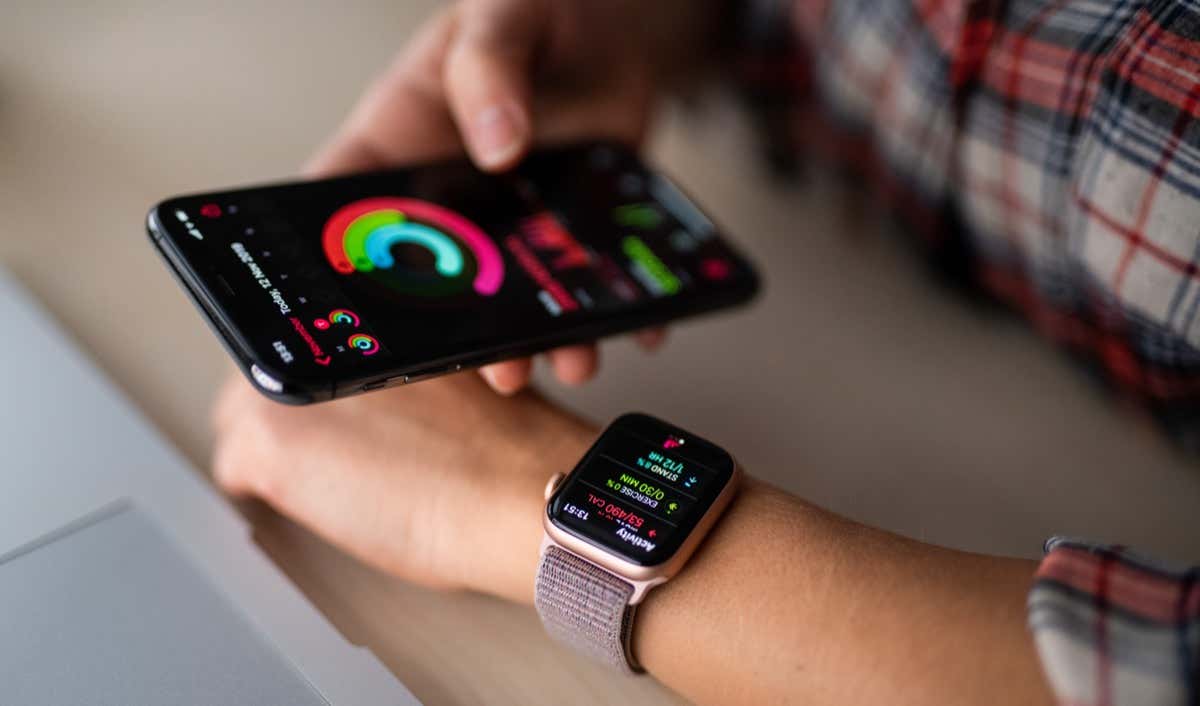
Although the Apple Watch is among the most accurate wrist-worn fitness tracking devices, it sometimes can give inaccurate readings. If...
If you need to contact Apple Support, check your warranty, or are interested in purchasing a used Apple Watch, you...
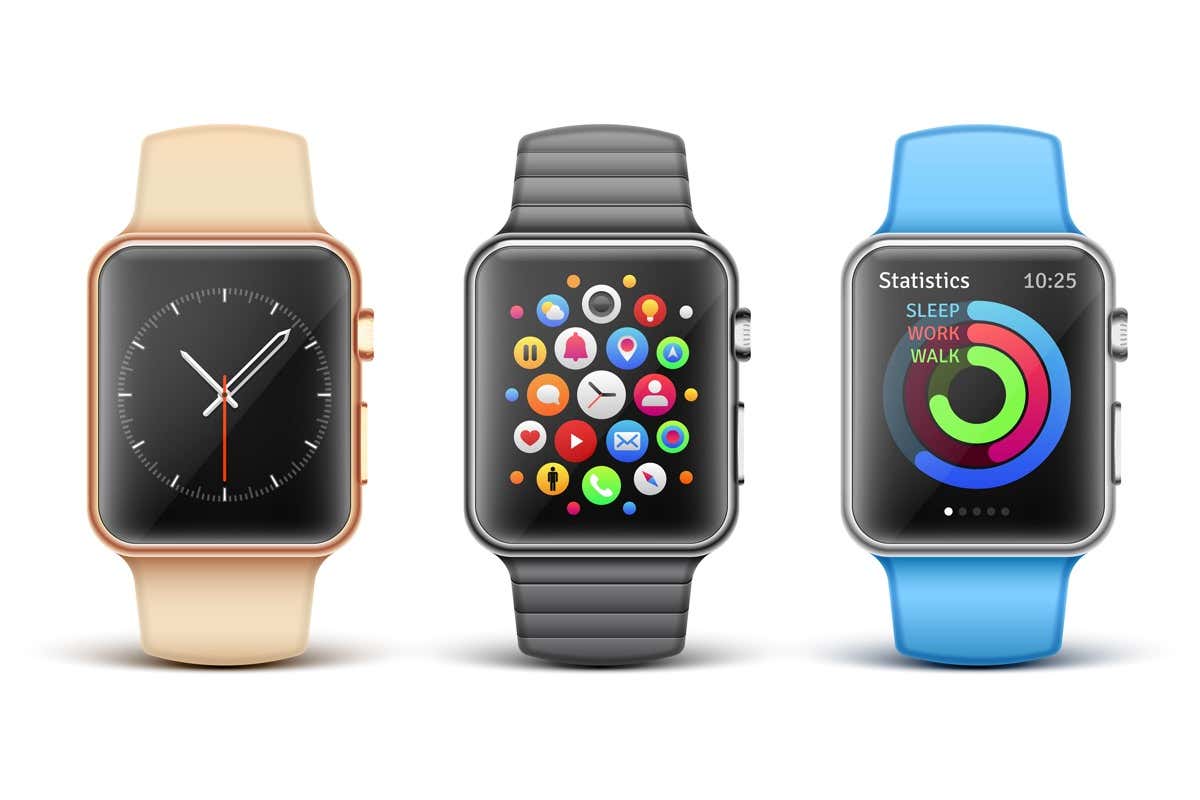
Apple Watch faces are customizable and shareable. If anyone asks you to replicate your custom watch face on their Apple...
Have you ever tried to take a big family group shot with your iPhone? It usually consists of setting up...
Haptics play a vital role in the Apple Watch. Not only do those tiny taps and vibrations alert you to...
Your Apple Watch works best if it has an active connection to your iPhone. Thankfully, you don’t usually have to...
Automatically changing watch faces is one of the many Apple Watch hacks few people know about. The process is pretty...
Everyone wants to get in shape and look good, and Apple Fitness Plus makes this possible with little more than...
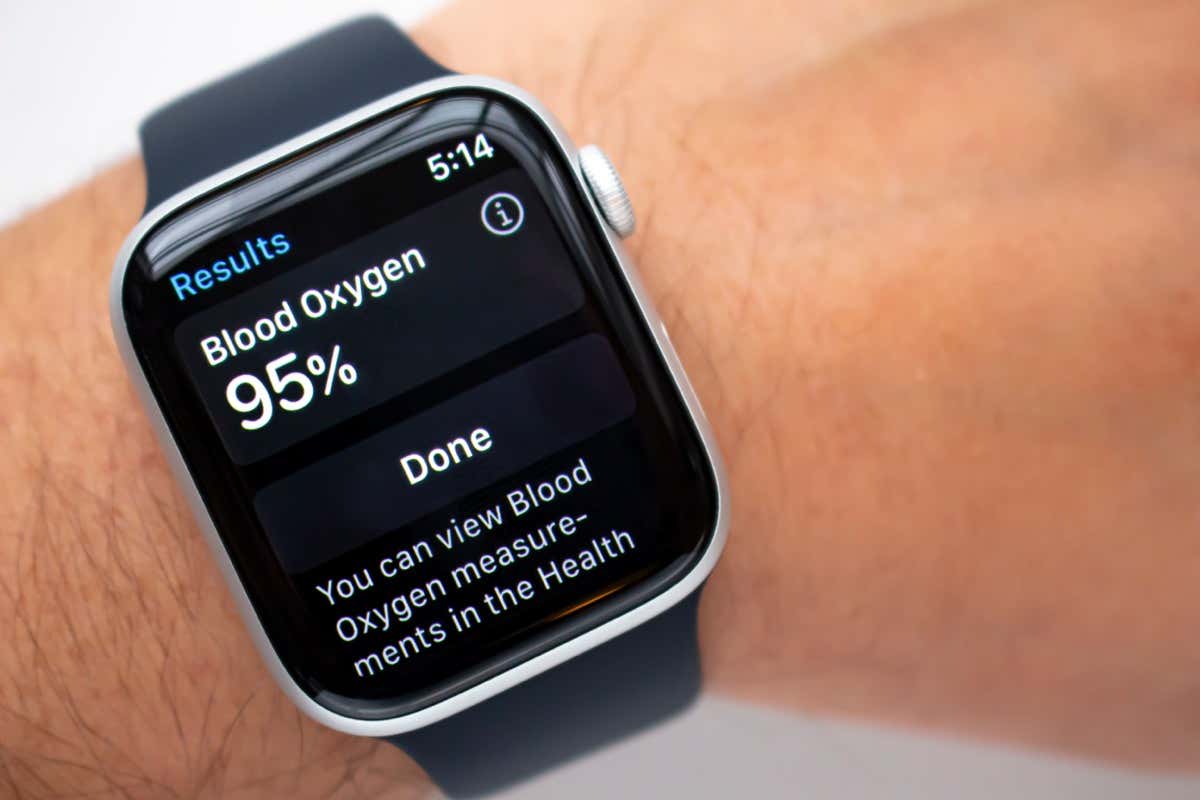
Blood oxygen measurement is the flagship health-related feature of the new generation of Apple Watch models. It’s an estimation of...
A red phone icon (or X icon) at the top of your Apple Watch’s screen means the watch isn’t connected...
Do you enable Theater Mode when you arrive at the cinema or Silent Mode when you get to church? Do...
Despite sporting cutting-edge hardware with excellent software to match, you can’t just turn on your Apple Watch and expect it...