How-To
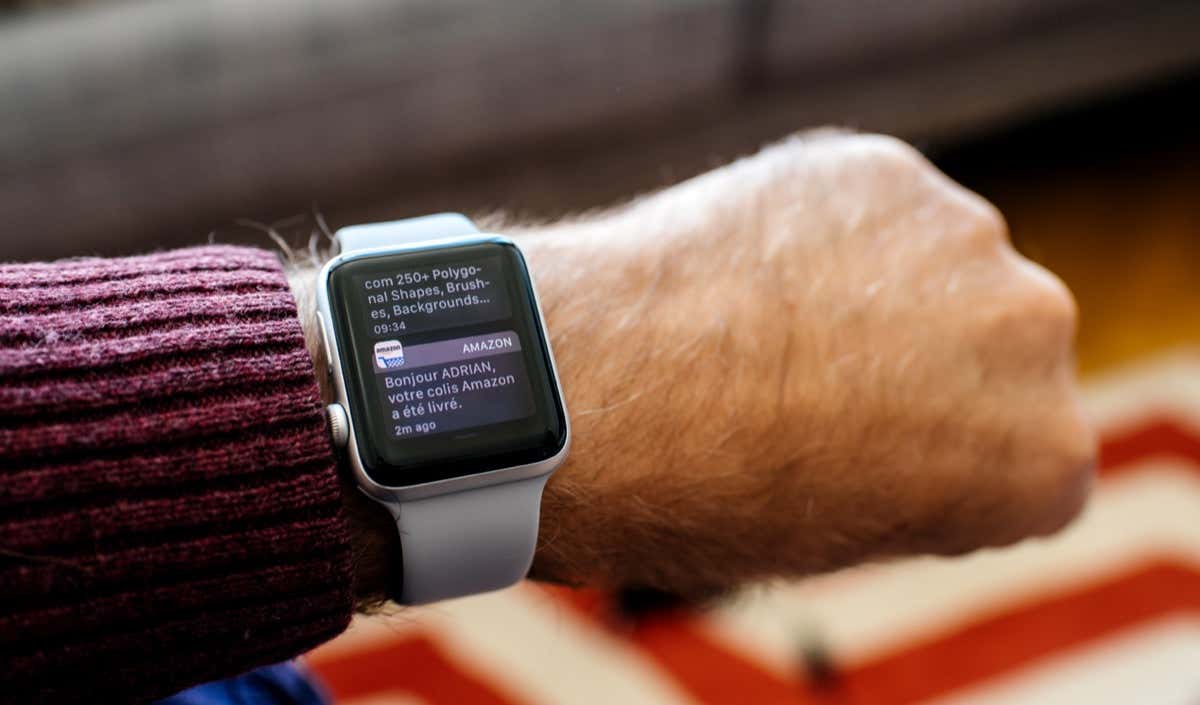
Apple Watch Not Getting Notifications From iPhone? Try These Fixes
Your Apple Watch is the best way to follow the various app-related notifications and alerts you get on the iPhone....
Your Apple Watch is the best way to follow the various app-related notifications and alerts you get on the iPhone....
Does your iPad keep restarting on its own? That’s among the rarer and more severe issues you’ll encounter on Apple’s...
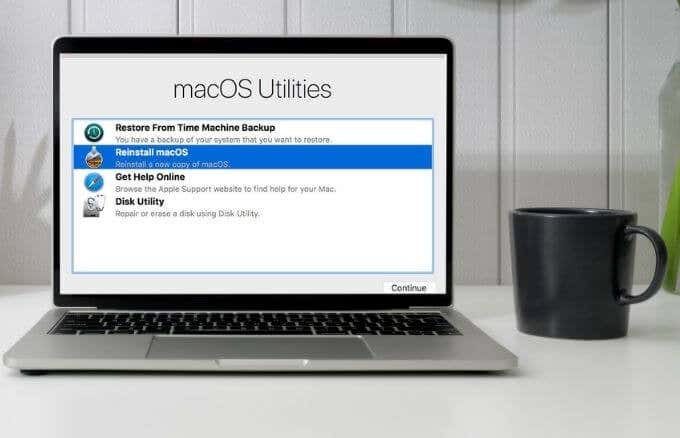
If your MacBook, iMac, or Mac mini freezes, crashes or fails to work as it usually does, then you must...
Macs are reliable machines that deliver in terms of software and performance. Occasionally, your Mac may become slow or unresponsive,...
Your iPad conserves battery life by automatically shutting down its display when you don’t interact with it for a predefined...
Is the Steam client not opening on your Mac? It’s an annoying issue that can occur with both new and...
Lost your iTunes library due to Windows reinstallation, hard drive crash, or a stolen PC? Don’t panic, because you can...
Connecting AirPods to your Apple Watch is the easiest thing ever. You don’t have to do it manually. Your AirPods...
By design, your iPhone automatically uses a combination of GPS and cellular services to display the correct date and time....
The initials of a user’s first and last name is the default Apple ID picture. While there’s nothing wrong with...
The iPhone has been the “hottest” phone ever since it was first released. But besides its popularity, it does get...