
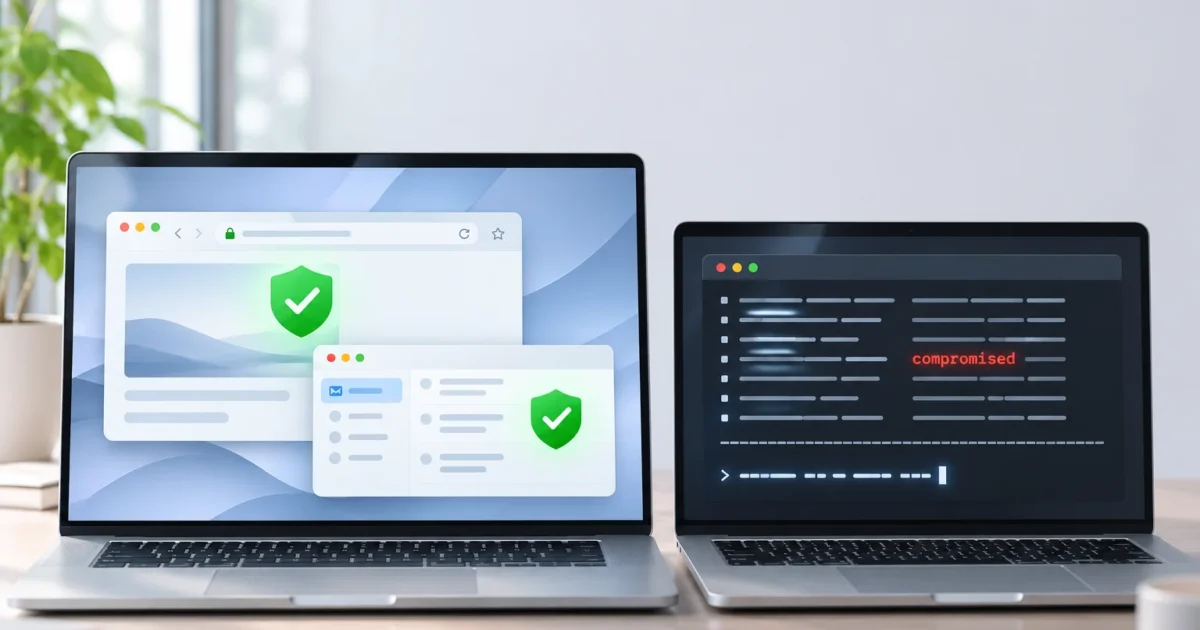
On November 9, 2026, Apple released macOS 27.2.1, macOS 26.7.3, and macOS 15.8.3 for Mac. The updates remove compromised eMudhra certificates from the file that Terminal tools trust, 9to5Mac reported. Safari, Mail, and other apps built on Apple’s networking and security frameworks were already protected weeks earlier, with nothing to install. The update matters if you use command-line tools like curl, git, or python3.
What happened with the eMudhra certificates
In October 2026, the private keys of eight intermediate certificate authorities (CAs) operated by eMudhra, an Indian company, were compromised. CAs are the companies that vouch for a website’s identity. Apple’s support document says six of those intermediates issued TLS certificates.
TLS certificates are what put the padlock in your browser. Anyone holding those keys could forge a certificate that looks valid for almost any site.
In MacRumors reader comments, people shared reports that one of the exposed private keys was unusually weak and easy to guess. Apple’s own documentation doesn’t confirm those specifics, and the details come from community discussion rather than an official source.
Apple fixed the problem in two tiers:
- Automatic block: Starting October 19, 2026, according to MacRumors, Apple pushed a certificate-configuration update to Macs. It stops Safari, Mail, and apps built on Apple’s networking and security frameworks from trusting the bad certificates. No software update was needed.
- Command-line fix: Some tools come with macOS or the Xcode Command Line Tools (
curl,git,python3,ruby,perl,openssl). They don’t check that framework block. They read/etc/ssl/cert.peminstead. Apple says macOS 27.2.1, 26.7.3, and 15.8.3 block the 12 affected intermediate certificates in those tools and remove the two root certificates they chain to from that file, along with three other eMudhra roots (five roots in total).
Apple also notes that some apps and tools ship their own list of root certificates and use neither its block nor /etc/ssl/cert.pem; for those, check with the developer.
Those three point releases are Apple’s documented direct fix, and they only apply to macOS 15, 26, and 27. Macs on Catalina through Sonoma get a separate fix through XProtect Remediator, covered below, while Mojave and earlier need Apple’s manual steps for the command-line fix.

Is this really about macOS Catalina?
Some headlines say “macOS Catalina and later.” Apple’s support page names only macOS 15.8.3, 26.7.3, and 27.2.1 for the command-line fix, and gives no minimum version for the automatic Safari and Mail block.
Later reporting from Eclectic Light says Apple addressed Catalina through Sonoma separately, through XProtect Remediator rather than a versioned system update. XProtect Remediator 171, released November 20, 2026, adds a module called CertPrune that appears to remove the affected certificates from /etc/ssl/cert.pem on those older versions.
That leaves Mojave and earlier without any automatic fix for command-line tools. Apple’s manual removal steps still apply on those Macs. So “Catalina and later” actually blends three separate fixes: the versioned updates, XProtect Remediator, and a manual workaround for anything older than Catalina.
Timeline
| Date (2026) | Event | Source |
|---|---|---|
| October | eMudhra intermediate CA keys found compromised | Apple |
| October 19 | Automatic block begins in Safari, Mail, and framework apps | MacRumors |
| October 28 | SANS Internet Storm Center reports Microsoft’s Windows fixes | SANS Stormcast |
| November 9 | macOS 27.2.1, 26.7.3, and 15.8.3 ship with the fix | 9to5Mac |
| November 20 | XProtect Remediator 171 adds a CertPrune module for Catalina through Sonoma | Eclectic Light |
| November 22 | Eclectic Light publishes an update on the fix | Eclectic Light |
Do you need an eMudhra certificates macOS update?
It depends on how you use your Mac.
- You mostly use Safari, Mail, and regular apps: The automatic block already covers you for this issue in Apple’s own apps and apps that use its frameworks. It’s still worth installing the update when it’s offered.
- You use Terminal, Python, git, or Homebrew-style scripts: Install macOS 27.2.1, 26.7.3, or 15.8.3 if you’re running one of those tracks. If you’re on Catalina through Sonoma, Eclectic Light reports that XProtect Remediator 171 appears to remove the affected certificates automatically once it has run (Apple hasn’t documented this path); Mojave and earlier still need the manual fix below.
- You manage Macs that can’t update yet: Apple’s support page explains how to remove the roots from
/etc/ssl/cert.pemby hand, starting with a backup copy of the file. That edit affects every tool that uses the file, so follow Apple’s steps exactly. Apple says to recheck after each update until the Mac reaches a fixed version.
To check your version, open System Settings > General > About. Then go to System Settings > General > Software Update to install what’s offered.
How it stacks up
| Platform | Automatic protection | Versioned fix | Source |
|---|---|---|---|
| macOS 15, 26, 27 | Yes, from October 19 | 27.2.1, 26.7.3, 15.8.3 cover cert.pem | Apple, MacRumors |
| macOS Catalina–Sonoma | Apple gives no minimum version for the framework block | XProtect Remediator 171’s CertPrune module appears to remove the certificates (reported, not documented by Apple) | Eclectic Light |
| macOS Mojave and earlier | Apple gives no minimum version for the framework block | No documented command-line fix; manual removal from cert.pem | Apple Developer Forums |
| Windows | Out-of-band updates reported | Late October | SANS ISC report |
Details on the Windows fixes come from the SANS Internet Storm Center’s October 28 summary of the incident. We haven’t confirmed Microsoft’s own advisory or KB numbers.
The reaction
Public reaction we found was limited, and the most useful discussion came from two forum threads. A developer on Apple’s Developer Forums said command-line tools on macOS 27.0.1 still accepted the bad certificates. An Ars OpenForum PSA thread warned CLI users about the same gap. Both show that “no update needed” was true for browsing. For developers, it was incomplete.
Our take
Apple moved fast on the part everyday users touch. Safari and Mail stopped trusting the certificates around October 19, with no download and no restart. That’s a good use of Apple’s server-pushed certificate settings.
The command-line side came later, and it came in pieces. Developers and admins on current macOS waited about three weeks after the October 19 framework block for a point release, Catalina-through-Sonoma users waited even longer for XProtect Remediator 171, and anyone on Mojave or earlier is still waiting on a manual fix. If the SANS summary is accurate, Microsoft shipped Windows fixes in late October, so Apple handled the consumer side about as well as anyone and the developer side more slowly.
Should you upgrade? If you touch Terminal at all, yes. Install 27.2.1, 26.7.3, or 15.8.3 now if you’re eligible, confirm XProtect Remediator has updated if you’re on an older supported release, and check the manual steps if you’re on Mojave or earlier. If you mainly use Safari, Mail, and other apps built on Apple’s frameworks, you’re already protected for this issue, but still install updates when Software Update nudges you.
Wrapping Up
Safari, Mail, and apps that use Apple’s networking and security frameworks have been protected from the bad eMudhra certificates since mid-October. Terminal tools on macOS 15, 26, and 27 needed the November 9 point releases to catch up, and XProtect Remediator 171 reportedly extended a similar fix to Catalina through Sonoma on November 20.
Mojave and earlier are the exception: those Macs still need the manual certificate removal Apple documents, since neither the point releases nor XProtect Remediator covers their command-line trust store. Keep this in mind going forward. Apple’s framework-level block covers Apple’s own apps, but anything that reads /etc/ssl/cert.pem depends on a system update or a background tool like XProtect Remediator to catch up.